Start with the message, not the dimensions
A wide image, a square post and a tall story give a subject different amounts of room. Simply resizing one design to fit them all can cut off a face, separate a product from its context or leave text too small to read. Before opening a design tool, write down what the viewer must understand at a glance. This might be a person’s expression, the result of a demonstration or the relationship between two objects.
Separate those essentials from details that add atmosphere. In a photograph of a community event, the people interacting may carry the story, while the room and decorations provide context. A narrow crop might lose some of that context and still work. If it removes one of the people, it may tell a different story. Knowing the difference makes crop decisions easier.
Compose with room to adapt
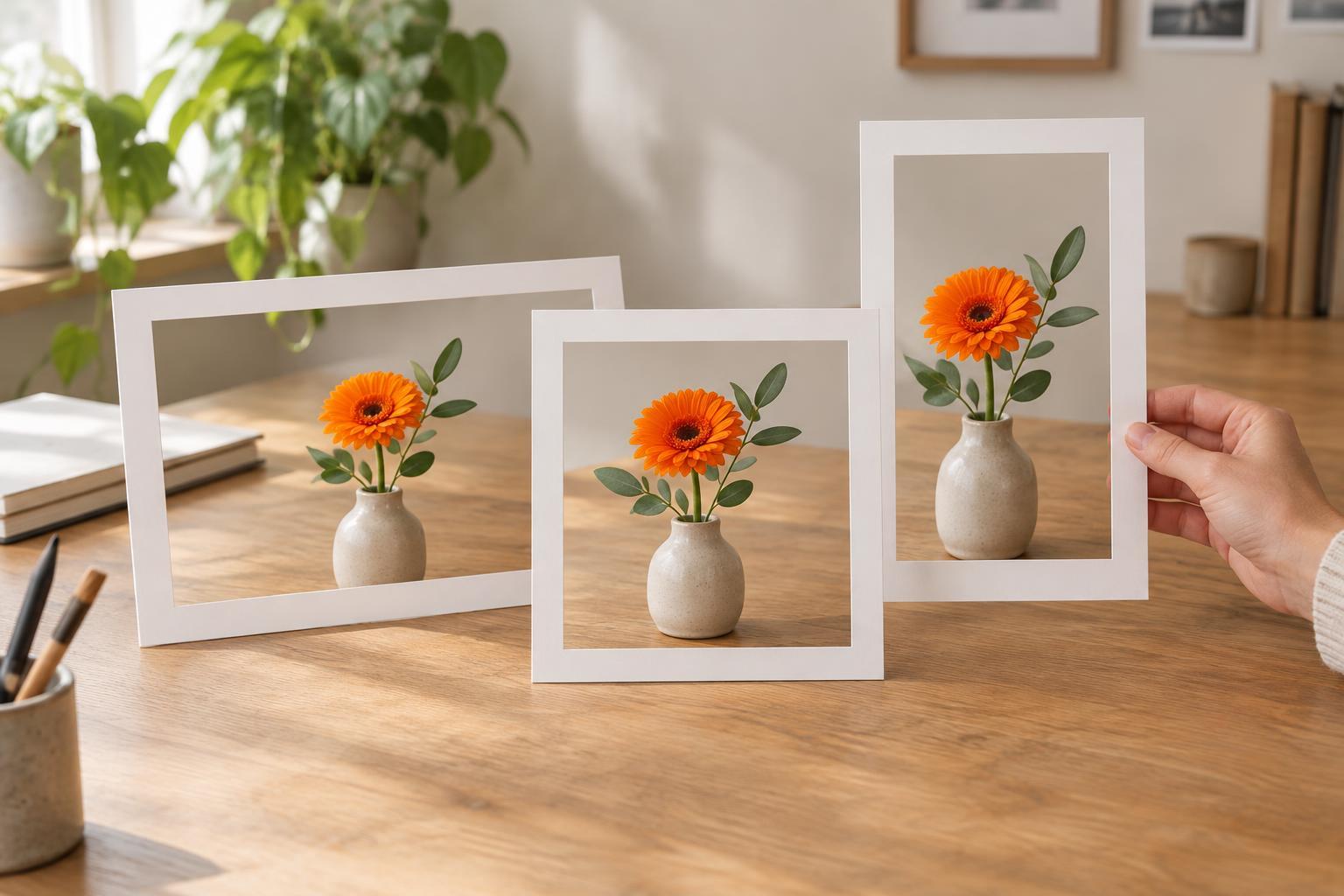
When creating or selecting an image, leave useful space around the main subject. A photograph framed tightly on all sides offers few options for a second aspect ratio. A little extra space can allow you to make a portrait crop from a landscape original or shift a square crop without cutting through an important feature.
Try to keep related elements reasonably close together. If a person stands at one edge of a wide frame and the object they are discussing sits at the other, a tall crop may not hold both. You can change the camera position, bring the elements closer or take an additional photograph. For illustrations, keep key elements on separate layers so you can rearrange them rather than shrinking the entire composition.
It can help to plan a small set of related layouts instead of treating one frame as the only correct version. The subject and message stay consistent, but supporting details can move, expand or disappear as the format changes.
Give each format its own layout
A flexible design is not always a single design that works everywhere. A wide layout may place a headline beside an image, while a tall version places the headline above it. A square version may need a shorter headline or fewer decorative elements. These changes preserve the communication rather than compromising it.
Keep text as editable text until each version is settled. If words are baked into a photograph, cropping can remove them or force the whole image to be scaled down. Leave comfortable space between text and the edges, since platform controls, previews or display variations may cover parts of an image. Because interfaces can change, check the placement in the intended publishing view rather than relying on a universal safe-zone measurement.
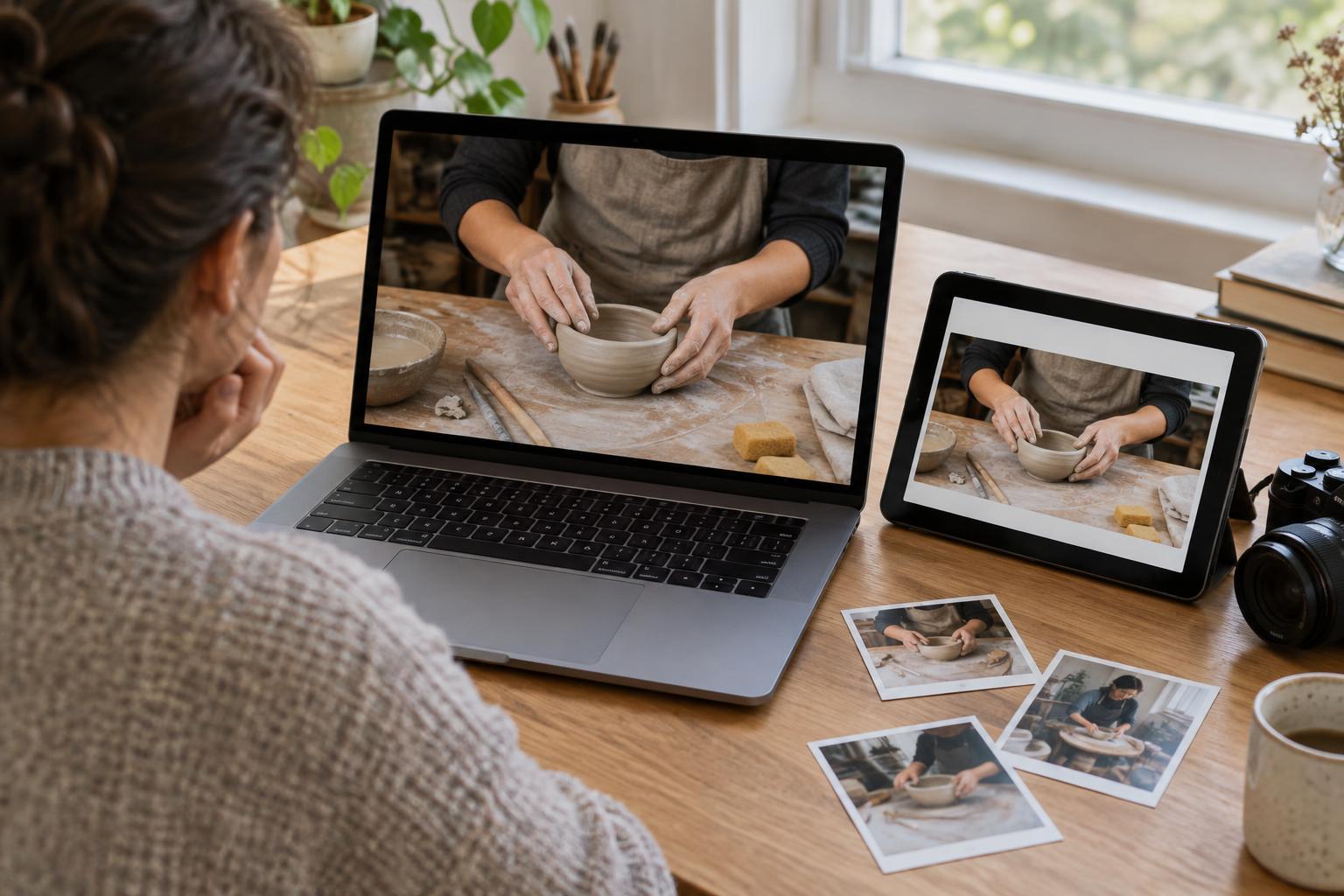
If an image contains a sequence, such as steps in a tutorial, consider whether a single crop can show it clearly. Separate panels or multiple images may work better than squeezing every step into one frame. The goal is not to fit everything; it is to make the important information easy to follow.
Check what the crop changes about the story
Review each version on its own, not just beside the original. Ask what a viewer would think if this were the only version they saw. Is the action clear? Does a hand still appear connected to the object it is holding? Does a chart retain its labels and context? A crop can be technically clean while still making the message confusing.
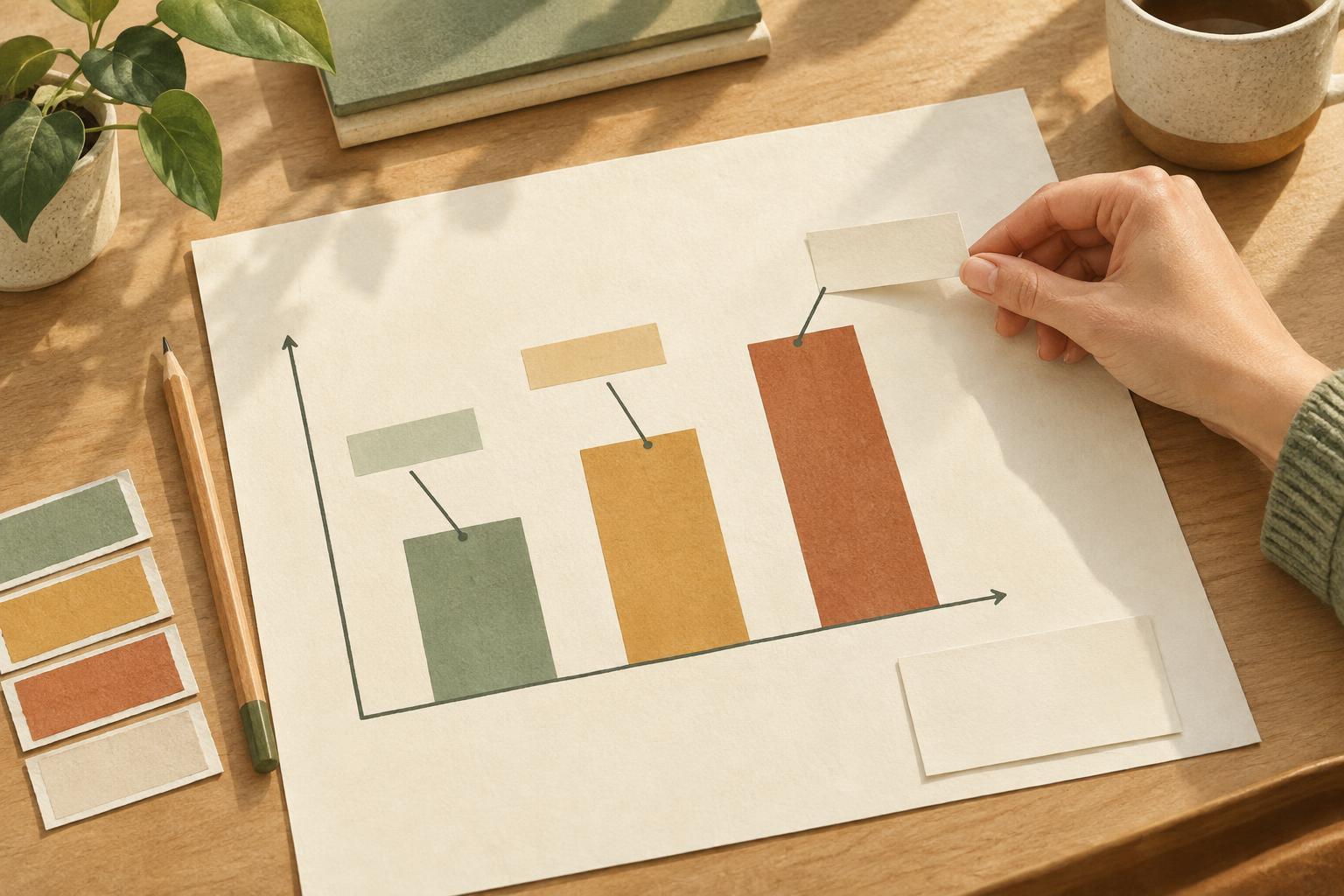
Look closely at people and meaningful details. Cutting off a gesture, an accessibility aid or the object someone is looking toward can unintentionally change the emphasis. For visual instructions, check that arrows, labels and before-and-after states remain associated with the right elements. If they do not, reposition them or create a new version.
The caption can provide context, but it should not have to repair an image whose central point has been cropped away. Where appropriate, descriptive alternative text can help communicate the image’s purpose to people who do not see it. Neither replaces a clear visual composition.
Build a repeatable review routine
For recurring content, keep a simple checklist: identify the essential subject, make the required layouts, inspect text near edges and preview every version at a realistic viewing size. Check both the full image and any thumbnail or feed preview that matters to the post. Small-screen viewing often makes crowded text and tiny details harder to notice.
Save editable originals and name exports clearly by format. That makes it easier to fix one layout without disturbing the others. After publishing, note which compositions were straightforward to adapt and which repeatedly needed repairs. Those observations can guide future photography, illustration and templates.
Designing across aspect ratios is less about finding a perfect universal crop than about protecting the same idea in different spaces. When you decide what matters first and give each format enough attention, the image can change shape without losing its story.