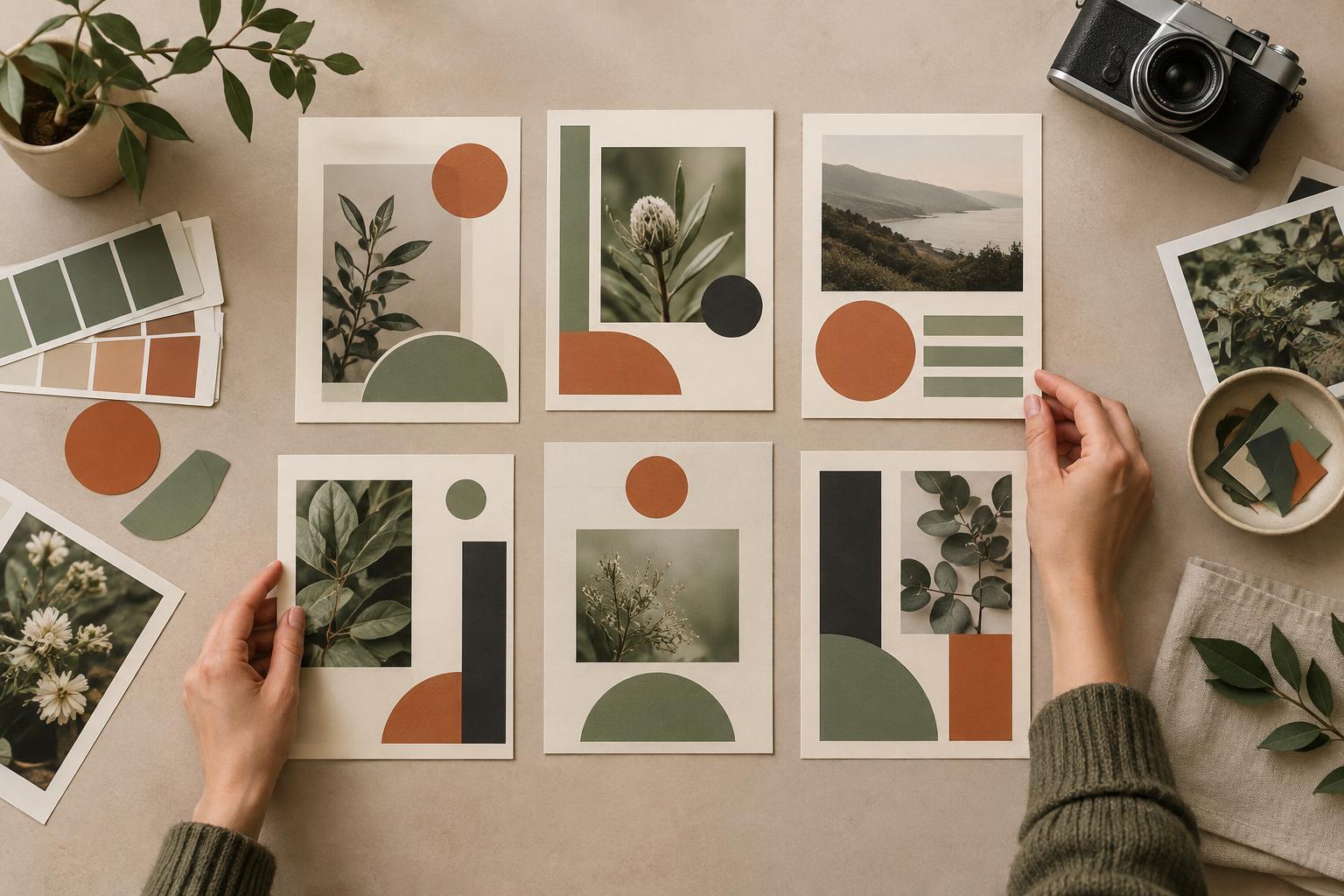
Start with the job of the post
A consistent visual style is not a promise that every post will have the same layout. It is a set of familiar choices that helps people recognize your work and understand it more easily. The challenge is to keep those choices recognizable without letting a template decide what you say.
Before choosing a background or placing text, write one sentence describing the post’s purpose. Is it introducing an idea, explaining a process, inviting a discussion, or helping someone remember a key point? Then identify the one thing a viewer should notice first. A post that teaches a sequence may need numbered steps; a question for the community may need generous space around the prompt. Both can belong to the same visual family while doing different jobs.
Define a small, usable visual system
Begin with a few repeatable decisions: a limited color palette, a clear approach to typography, preferred image treatments, and a consistent way to show your name or series label. Decide which choices are fixed and which can change. For example, you might keep heading type and image cropping consistent while allowing the layout and accent color to vary. A useful system should make routine decisions faster, not require every idea to fit one composition.
Write these decisions in a short style guide that someone else could follow. Include examples of readable text placement, how much copy belongs on an image, and when to use a photograph, illustration, or text-led graphic. Also note what to avoid, such as low-contrast captions or decorative elements that compete with the message. The goal is not to cover every possibility. It is to give each new post a reliable starting point.
Let the content determine the composition
Once the system is in place, choose the format that makes the specific idea easiest to grasp. A single image can give one observation room to breathe. A sequence of panels can separate stages of a process. A photograph can show a real setting or object that would be less clear as an icon. Start with the content, then select the arrangement; reversing that order can lead to posts that look polished but make little sense.
Use visual hierarchy to make the post’s purpose visible. Put the main idea where it can be found quickly, and make supporting details quieter. If an image needs a long explanation to be understood, consider whether the visual should be simpler or whether the explanation belongs in the caption. Consistency can come from how you guide attention, even when individual compositions differ.
Create variation with a reason
Variation keeps a visual style useful. You might use different layouts for recurring kinds of posts: one for practical tips, another for community questions, and another for behind-the-scenes context. Give each variation a role rather than changing colors or shapes simply for novelty. This makes the feed easier to navigate while leaving room for ideas that do not fit a standard template.
It also helps to distinguish a meaningful departure from an accidental inconsistency. A quieter design may suit a reflective story; a larger headline may suit a concise announcement. Those choices still feel connected when the typography, tone, and attention to readability remain familiar. If a proposed design breaks several usual rules at once, ask what the audience gains from the change. If the answer is unclear, simplify it.
Review for clarity, not just uniformity
Look at a group of recent posts together, then inspect a few on their own. As a group, can you recognize a shared voice without seeing the account name? Individually, can you tell what each post is trying to do? Check that important text remains legible at a small size and that images add meaning rather than merely filling space. A collection can look cohesive from a distance yet contain posts that are hard to understand up close.
Use audience responses as prompts for questions, not as a verdict on the design. If people repeatedly ask for an explanation that is already in the image, the hierarchy or wording may need work. If discussion posts receive thoughtful replies but instructional posts cause confusion, review those formats separately. Keep the visual rules that support clarity, adjust the ones that get in the way, and allow the system to evolve as the community and content change.