Start with the recording plan
Decide what you need to capture before arranging the room. Write down the intended format, where the content will be published, and the main point each recording should communicate. A short talking-head video, a voiceover, and a product demonstration may need different camera angles, backgrounds, and notes. Knowing the deliverables helps you set up once instead of rearranging everything between takes.
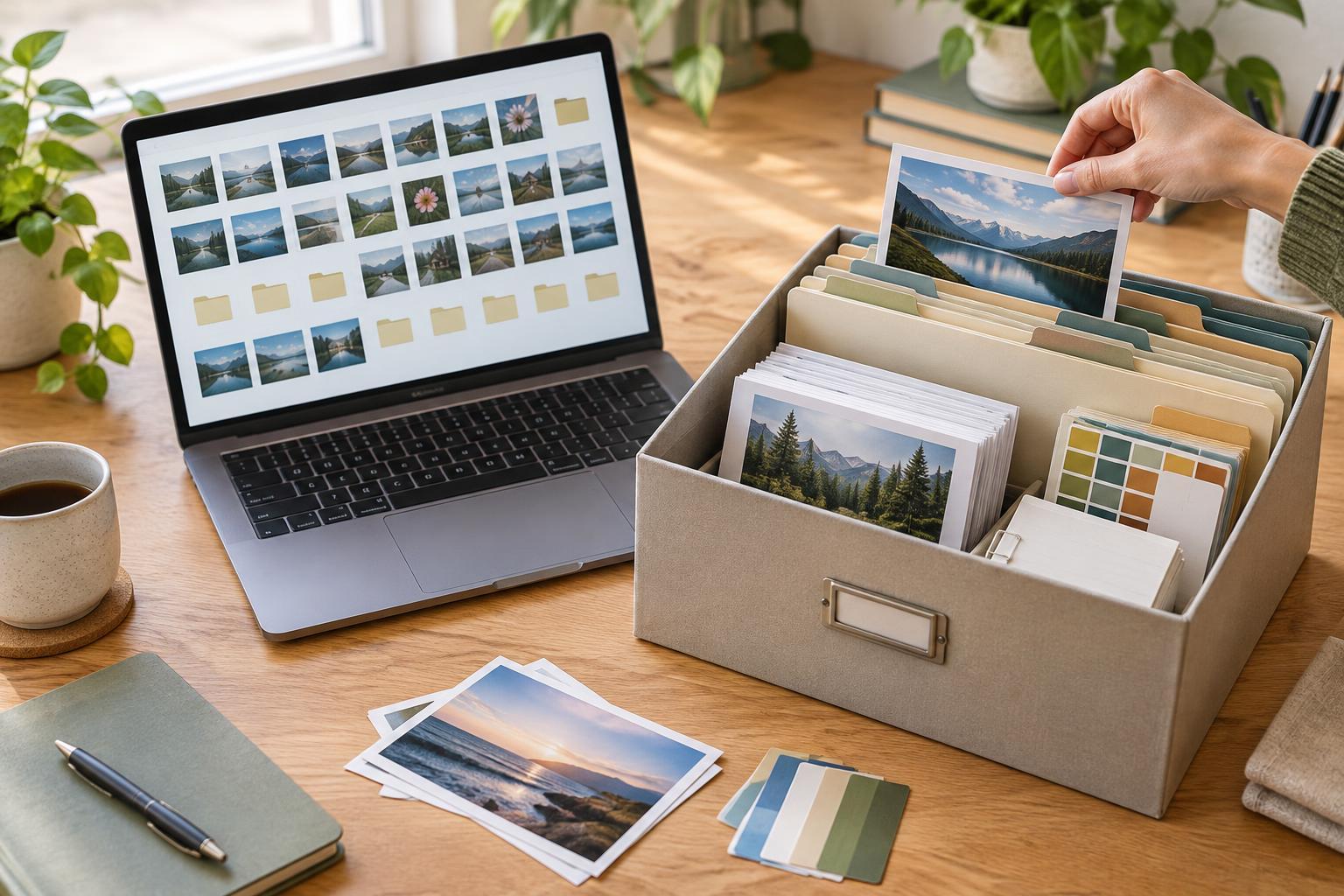
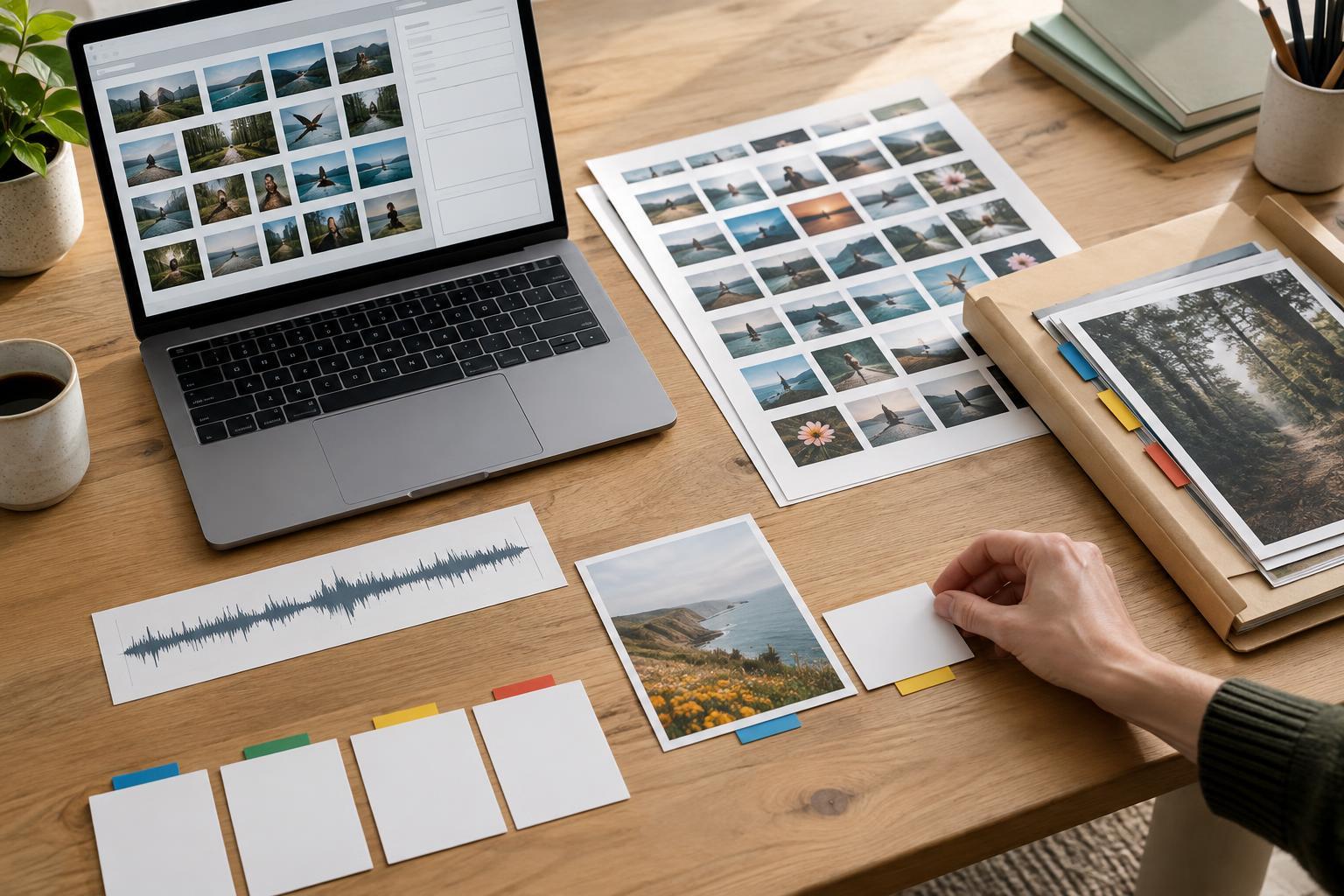
Make a compact shot or segment list in recording order. Include the opening, essential points, any examples or demonstrations, and a closing. Keep a separate note of supporting footage or still images you may need. If you are recording several pieces in one session, group those that use the same setup. Leave a little space in the schedule for resets and mistakes rather than treating every minute as usable recording time.
Prepare the room and background
Walk through the space as a viewer would see it. Clear distractions from the frame, check mirrors and reflective surfaces, and move private information out of sight. You do not need a perfect studio: a tidy, consistent corner can make it easier to focus on the message. Place any props within reach, then sit or stand where you expect to record and check what is visible behind you.
Listen to the room before turning on the camera. Close windows if outside noise is distracting, pause noisy appliances when practical, and let others at home know when you plan to record. Soft furnishings may reduce distracting echoes, but the most useful test is a short sample played back through headphones. Also check comfort: enough water, a suitable room temperature, and a chair or standing position you can maintain will make a longer session easier.
Check equipment, light, and sound
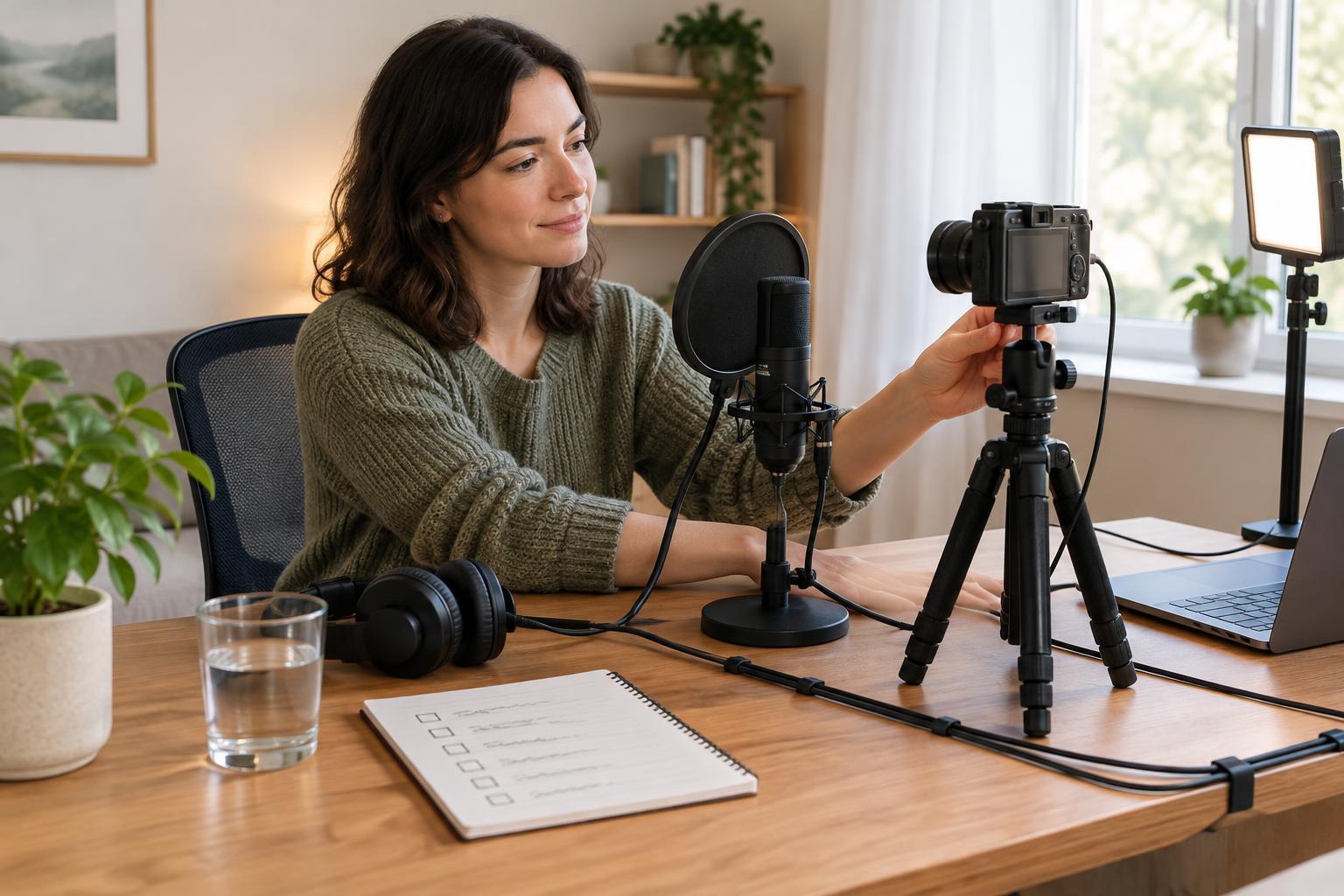
Charge the camera or phone, microphone, lights, and any other battery-powered gear. Confirm that storage space is available and that you have the cables, adapters, and stands you intend to use. Secure the camera at the planned height, clean the lens, and check framing in the actual recording app. If you need a specific orientation, verify it before recording a full take.
Set the light for the subject rather than relying on how the room looks to your eyes. Face a window or use a light positioned to illuminate your face clearly, and watch for harsh shadows or a bright background that leaves you too dark. If daylight changes during your session, expect to make adjustments between pieces. Avoid moving the setup midway through a series unless a visual change is intentional.
Record a brief audio test at the volume you will use while speaking. Play it back to catch hum, distortion, clothing noise, or a microphone that is too far away. Check both the beginning and end of the sample if you will move or turn during the recording. Clear speech matters more than an elaborate setup, so make sound fixes before investing time in repeated takes.
Set up prompts and protect your attention
Place your outline where you can glance at it without losing your place. Bullet points often sound more natural than reading a full script, while a script can be helpful when wording must stay precise. Mark names, transitions, and calls to action that you do not want to forget. Read the opening aloud once to make sure it is comfortable to say, not just clear on the page.
Silence notifications on the recording device and nearby computer, close unrelated tabs, and put the segment list somewhere easy to see. If you are recording a screen demonstration, remove personal alerts and check that only intended windows are visible. Agree on a signal with anyone sharing the space so interruptions are less likely. These small boundaries protect your attention without requiring a completely silent household.
Run a final test and close the session cleanly
Before the first full take, record and review a short clip. Confirm that the file saved, the picture is framed as intended, your voice is clear, and nothing sensitive appears on screen or in the background. Then work through your segment list, noting any take that needs another attempt. If you stumble, pause and restart the sentence; you may not need to restart the entire recording.
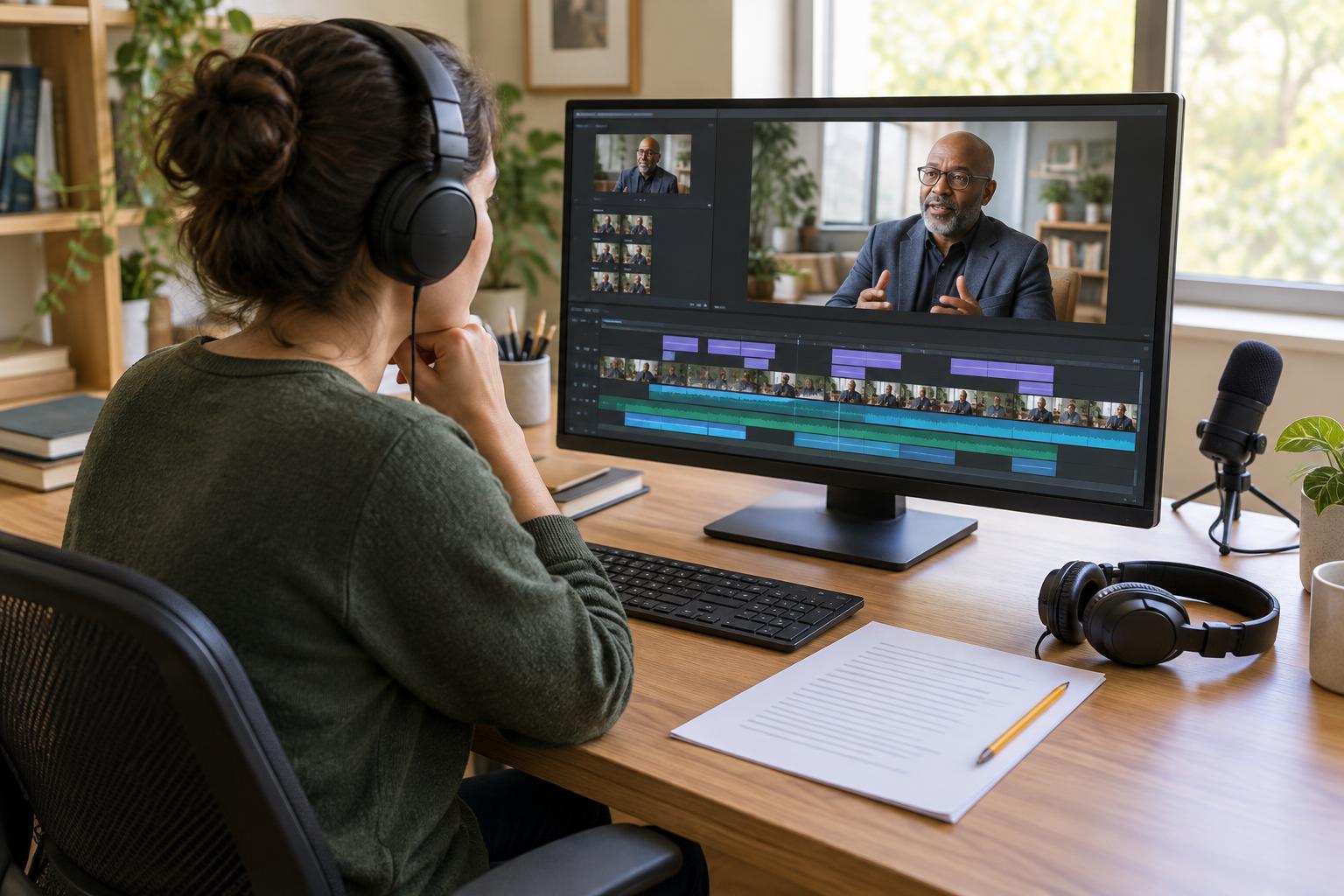
At the end, check that you have every planned segment before dismantling the setup. Give files descriptive names and place them in a consistent folder so they are easy to find later. If possible, keep a second copy before deleting anything from the recording device. Write down missing shots and useful setup notes while they are fresh. A brief review now can make the next home recording day simpler, calmer, and more repeatable.