Plan for readable audio before recording
Captions display spoken words and relevant sounds in time with a video. A transcript presents the audio content as text that can be read independently of playback. They serve different purposes, but both are easier to make when the production team treats them as planned deliverables rather than last-minute exports.
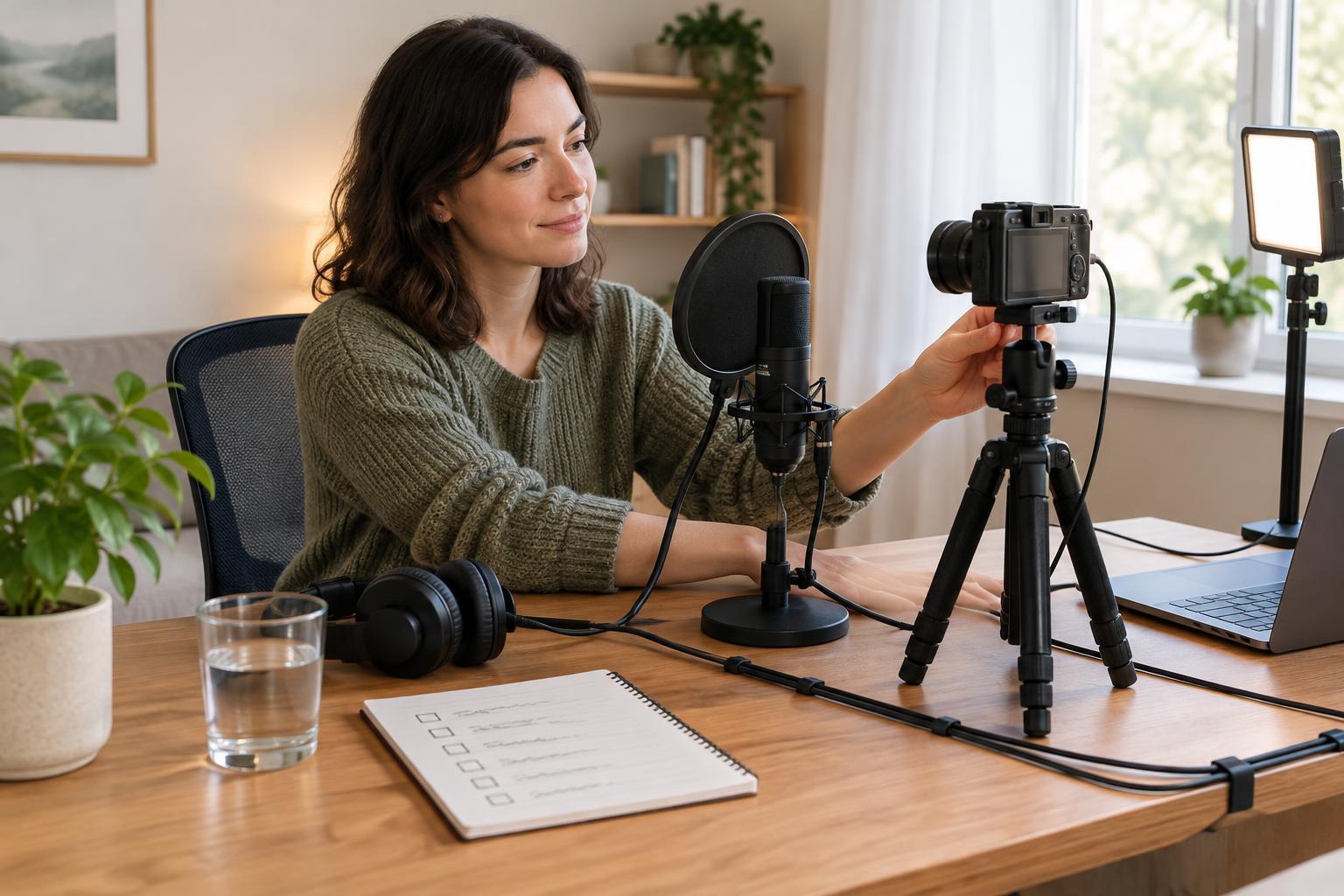
Start with the outline or script. Write down names, specialized terms and any words that may be hard to hear or spell. If the video will include an interview, note who is likely to speak and where introductions may be needed. During recording, aim for clear speech and manageable background noise. Good source audio will not replace a careful review, but it can make that review much less time-consuming.
Use the edit to create a reliable text draft
A script can provide a useful starting point, but it is rarely a complete record of the finished video. Speakers may improvise, lines may be cut, and the final edit may change the order of ideas. Wait until the main edit is stable before producing the text that viewers will receive. If the video changes afterward, update the captions and transcript alongside it.
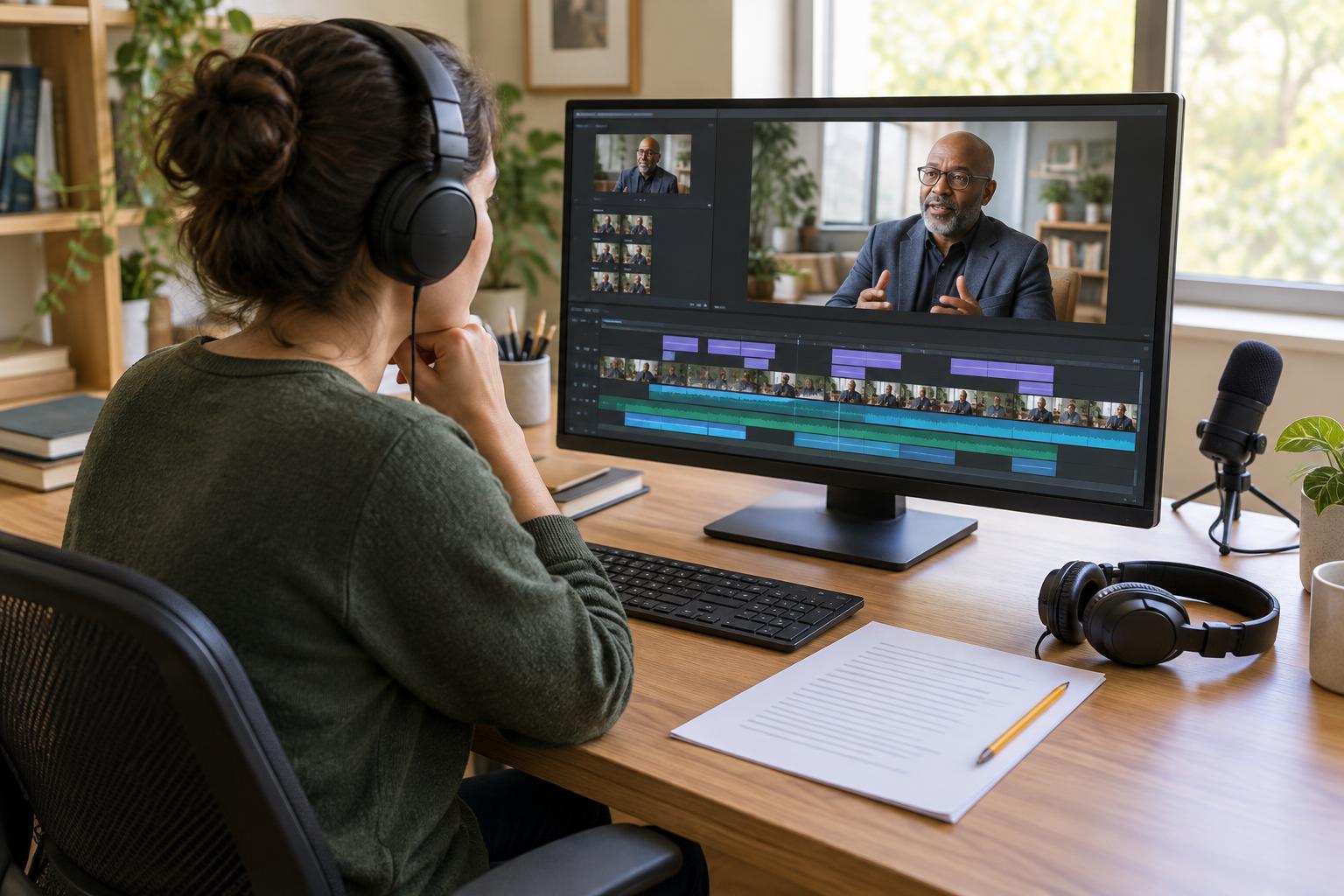
An automatic transcription tool can help create a first draft if one is available in your workflow. Treat its output as a draft, not a finished asset. Listen while reading and correct missed words, punctuation, names and speaker changes. Pay particular attention to short phrases that could mean something different when one word is wrong. Keep one reviewed text version as the source for both the timed captions and the standalone transcript; that reduces the chance of two conflicting versions circulating.
Make captions work with the picture
Captions need more than accurate words. Their timing should follow the speech closely enough that viewers can connect the text to the person speaking. Break lines at natural pauses or phrase boundaries when possible, and avoid leaving a dense block of text on screen after the speaker has moved on. If a sound carries meaning, such as a door closing before someone reacts, identify it briefly. Labels can also clarify who is speaking when the image does not make that clear.
Review captions while watching the finished video, not only in a text editor. Check whether on-screen graphics cover them or whether captions obscure a demonstration. Placement options vary by publishing platform, so this check may need to happen again after upload. If the platform allows an uploaded caption file, keep the editable source file too. It will be easier to correct an error there than to rebuild the captions from scratch.
Shape the transcript for reading
A transcript does not have to imitate every caption line break. Its job is to let someone follow the content without playing the video. Group speech into readable paragraphs, identify speakers where useful, and include meaningful sounds or visual information that would otherwise make a passage confusing. For example, if a presenter says “move this one here” during a demonstration, the transcript may need a brief description of what moved.
Keep additions distinct from what was spoken so the transcript remains faithful to the video. A short introductory note, headings for major segments or clear speaker labels can help readers navigate a longer piece. If you also turn the video into a separate article, treat that as a new editorial work rather than silently replacing the transcript with a rewrite. Readers should be able to tell whether they are getting a record of the video or an adapted explanation.
Build review and maintenance into publishing
A workable sequence is to stabilize the edit, draft and correct the text, time the captions, format the transcript, and check both against the final video. Assign each step to a person or a clear point in your own checklist. Before publishing, verify names and terminology, watch with captions on, and read the transcript without relying on the video. These passes catch different problems.
After publication, check how the captions appear on the actual viewing page and whether the transcript is easy to find. Save the final video, caption file and transcript together with clear version names. If you later trim or replace the video, revisit its text assets as part of that change. This small maintenance habit keeps a useful accessibility feature from becoming an inaccurate record of an older edit.