Start with what the viewer needs to understand
Before choosing an angle, finish this sentence: “By the end of this shot, the viewer should be able to see…” The answer might be where an object sits, how a hand moves, or what changes between two steps. This gives each shot a job. A beautiful close-up is less useful if the viewer cannot tell which part of the object it shows.
Think about what the viewer already knows. In a tutorial, someone may need to see the whole work area before a close view of one action makes sense. In a tour, they may need a view of the room before seeing its details. Framing can provide that context without adding a long spoken explanation.
Choose shot size to match the information
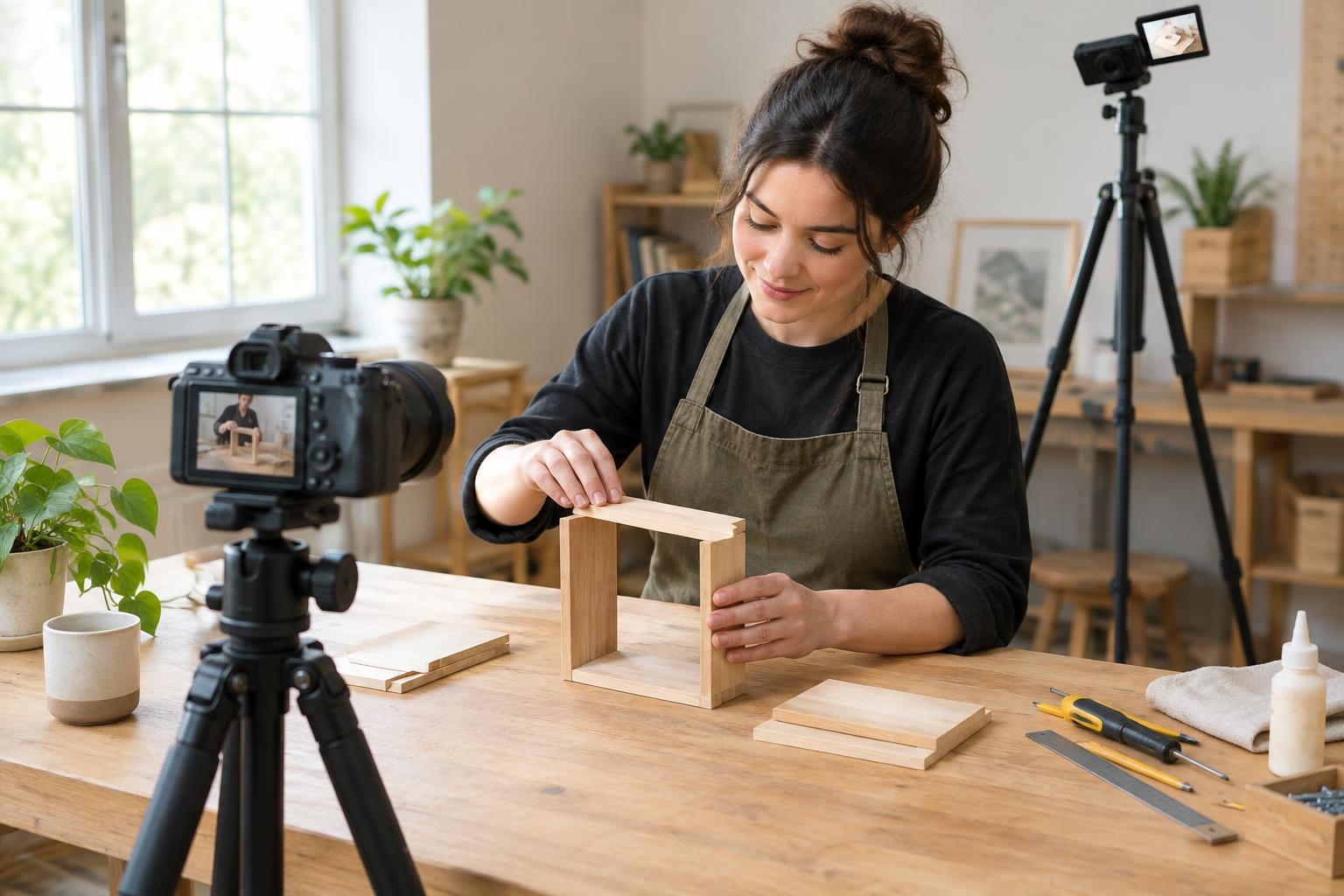
A wide shot shows the setting and the relationship between people or objects. Use it to establish where an action will happen, but check that the important subject is still easy to find. A medium shot brings the subject closer while keeping some surroundings visible. It often works well for demonstrations where both a person and their work matter.
A close-up draws attention to a small action, expression or feature. It can clarify where to press a button or how two pieces fit together. Leave enough surrounding detail for orientation: an extreme close-up of moving fingers may hide the tool they are using. If one shot cannot show both context and detail, use two shots rather than forcing everything into one frame.
Pick an angle that reveals the action
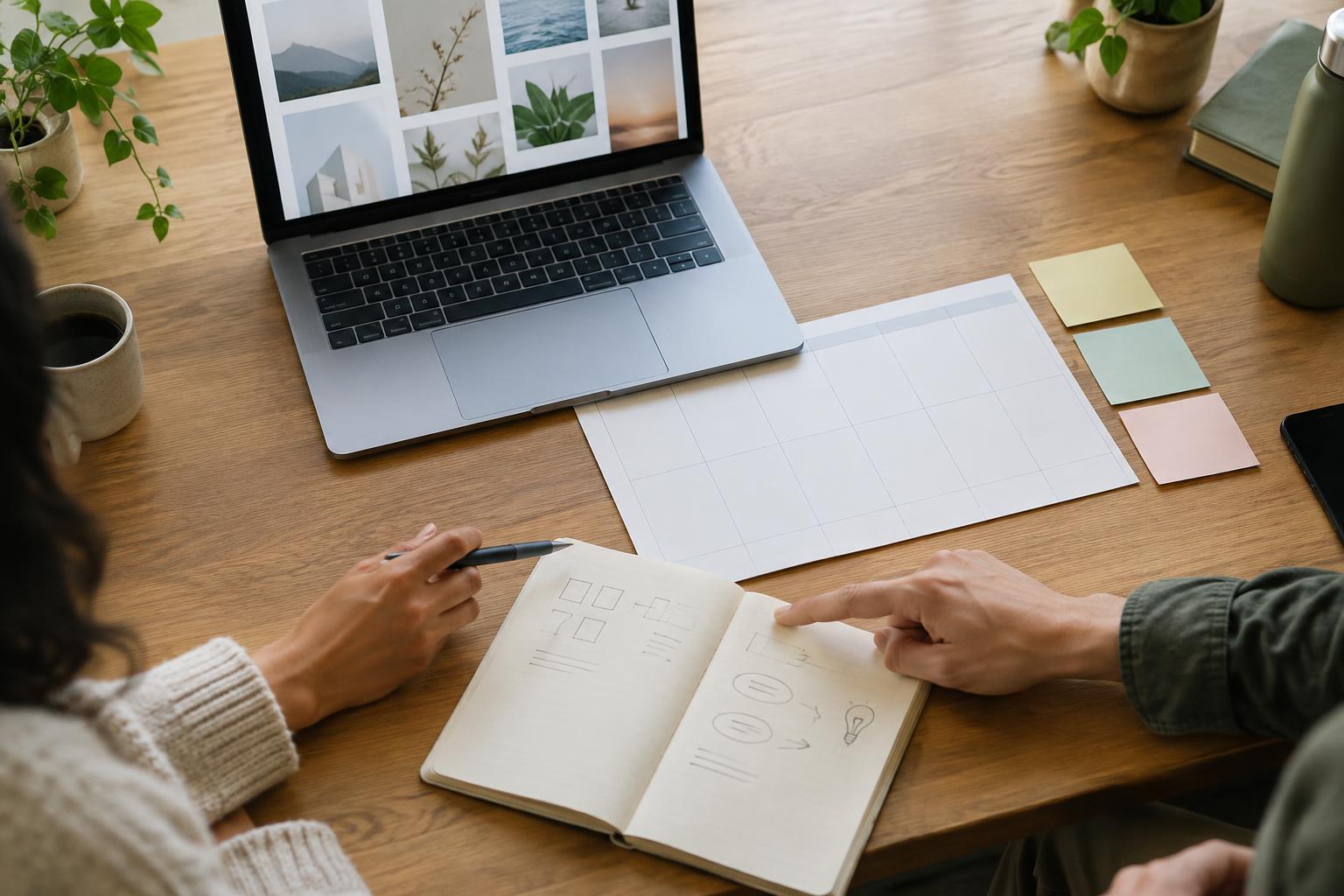
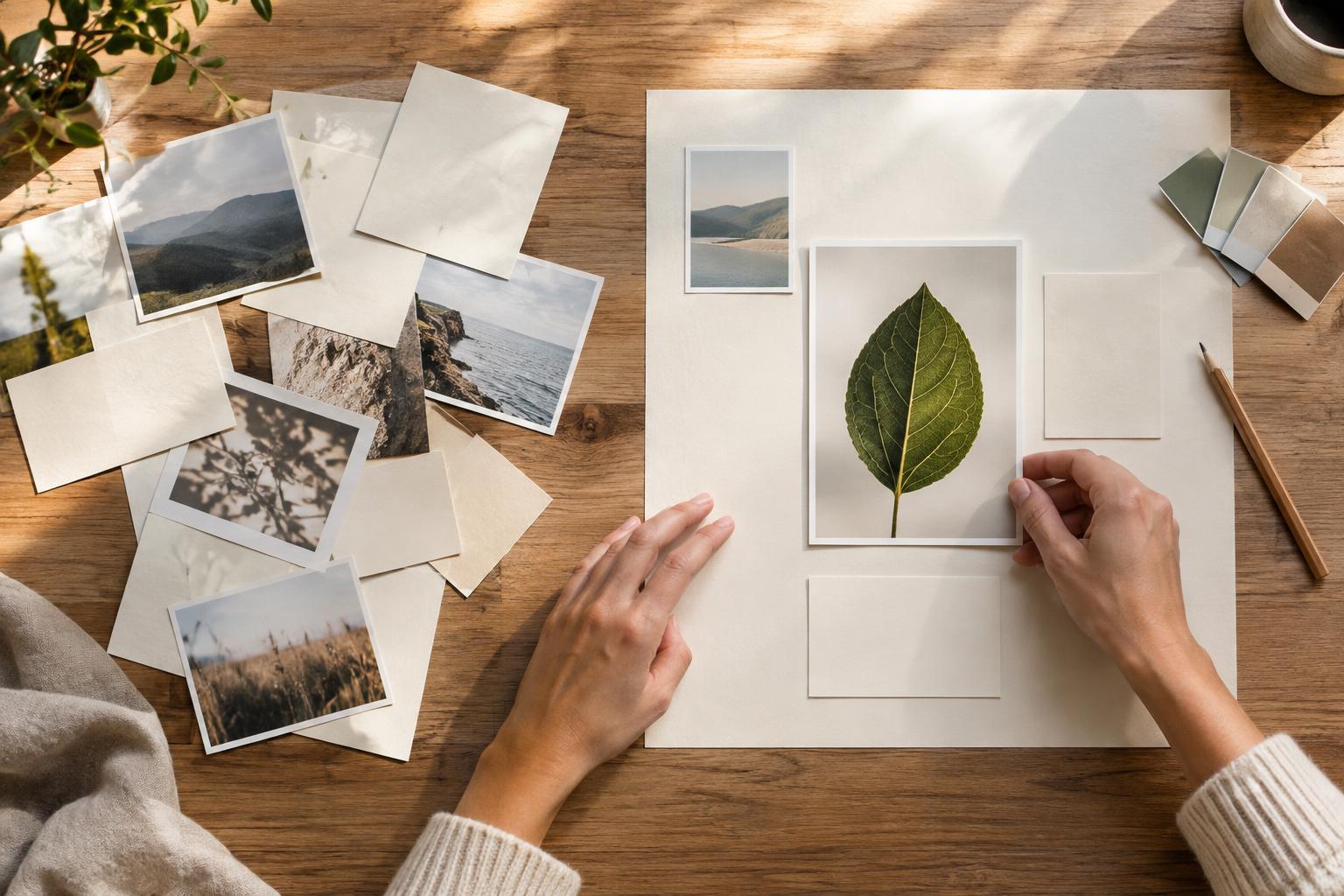
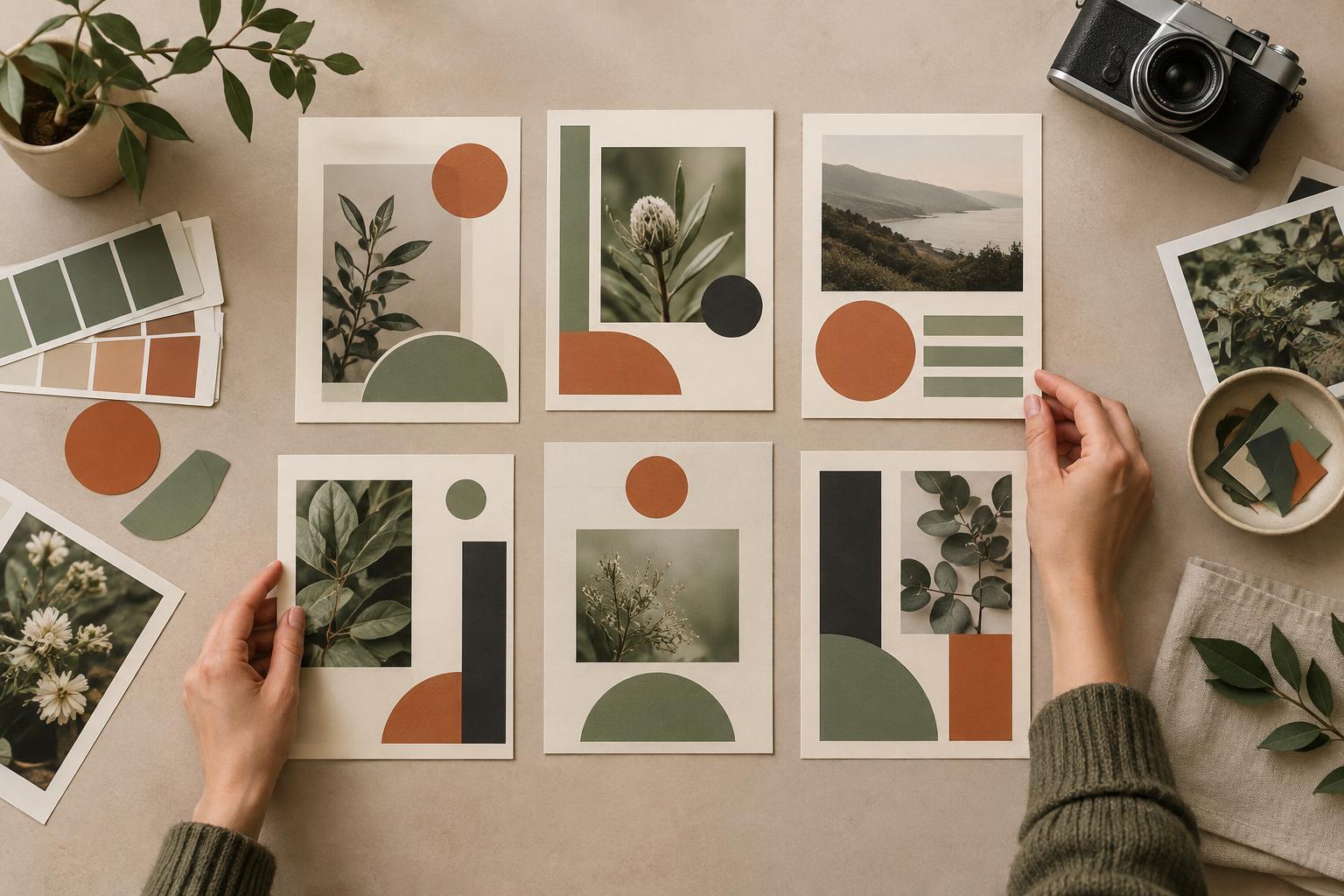
Camera height changes what viewers can see. An overhead view can make the order and position of items on a table easy to follow. An eye-level view often helps when the subject is speaking to the audience or showing an object at face height. A low angle may reveal the underside of an object, but it can also conceal the surface where the main action happens.
Test an angle from the viewer’s point of view, not just the camera operator’s. If a hand blocks a fastening step, move the camera or change which side the person works from. When filming a repeated action, try the proposed angle while looking at a short recording. The best position is the one that makes the relevant movement visible from start to finish.
Keep movement and orientation easy to follow
Give moving subjects room in the direction they are going. If someone walks across the frame, space ahead of them helps the viewer anticipate the path. For a demonstration, keep the active area inside the frame, including the point where a tool begins and ends its movement. Watch for important details slipping behind captions, hands or the edge of a vertical crop.
When changing shots, preserve a few visual anchors. Keep a recognizable object in view, or return briefly to a wider frame before moving to another detail. A sudden switch between opposite sides of a workspace can make a simple task seem reversed. If the new angle is necessary, show enough of the space for viewers to work out where the camera has moved.
Check the frame before recording the full video
Make a short test clip and watch it at the size your audience is likely to use. Ask whether you can identify the subject immediately, see the complete action and read any essential labels. Check the edges of the frame for distracting objects or cut-off movements. Clear framing often comes from moving the camera a little closer, changing its height or clearing the background, rather than adding more equipment.
A simple shot plan can keep filming efficient: one view for context, one for the main action and one for a detail that might otherwise be missed. Record an action a little before and after its key moment so there is room to edit without losing the explanation. As you review, remove angles that repeat information and keep the ones that answer a viewer’s likely question. The goal is not a large variety of shots; it is a sequence that makes the subject easy to understand.