Give the week a stopping point
Creator work rarely ends when a post goes live. There may be comments to answer, ideas to capture, assets to put away, and drafts that need another pass. Without a stopping point, these loose ends can follow you into the next week as one long, increasingly hard-to-read task list.
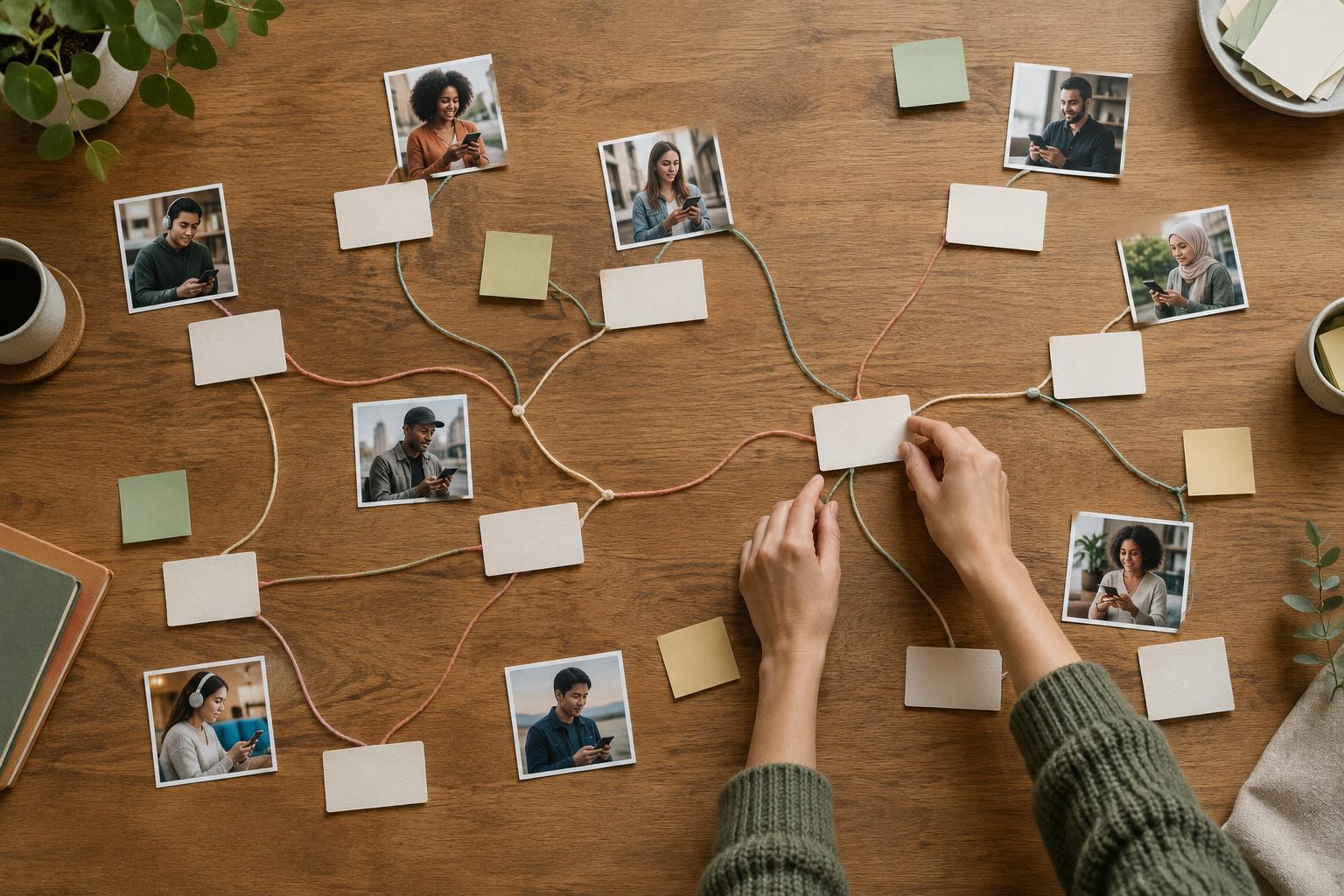
A weekly closeout is a short session for deciding what happened and what happens next. It is not another opportunity to finish everything. Set aside a modest block of time near the end of your working week and gather tasks from the places you actually use: your calendar, notes, content board, messages, and any handwritten reminders. Put them in one temporary list so you can make decisions without repeatedly checking each place.
Sort unfinished work instead of automatically carrying it over
For each open item, choose one of four outcomes: do, schedule, park, or drop. Do means the task is small and necessary enough to finish during the closeout. Schedule means it needs a specific work block next week. Park means the idea may be useful but has no current commitment. Drop means it no longer serves a clear purpose. This last choice can feel uncomfortable, but an old task is not automatically an important one.
Be specific when you schedule something. “Work on video” offers little guidance when you return to it; “select three clips and draft the opening caption” gives you a starting point. If a task depends on someone else, record the next action you control, such as sending a question or waiting until an agreed check-in. You do not need to keep rereading an item that cannot move yet.
Keep parked ideas separate from next week’s commitments. An idea bank is useful precisely because it lets you save possibilities without treating each one as an obligation. If the same parked item remains untouched through several reviews, consider whether it still belongs there.
Check the work that is already in motion
Before planning anything new, look at content that is drafted, scheduled, or recently published. Note whether a draft has a clear next step, whether a scheduled post still has the right assets and caption, and whether any published post needs a response or follow-up. Keep this check proportionate: the goal is to catch loose ends, not reopen every creative decision you have already made.
Review audience responses with curiosity rather than treating every number as a verdict. A thoughtful question, a repeated point of confusion, or a request for an example may suggest useful follow-up content. Record the observation and a possible action in plain language. You can decide later whether it fits your editorial priorities; you do not have to change direction after every post.
This is also a good moment to capture small workflow problems while they are easy to remember. If you repeatedly searched for a file, waited on an approval, or underestimated an editing step, write down what slowed you down. Choose at most one fix to try next week. A closeout should make the workflow lighter, not create a second project devoted to managing it.
Choose a realistic starting point for next week
Once you have sorted the loose ends, look at the time and capacity you expect to have next week. Account for meetings, other responsibilities, and the less visible work of replying, reviewing, and making decisions. Then select a small set of priorities that fits the space available. If everything on the list is marked urgent, the list is not helping you choose.
Give the first work session a clear entry point. Leave a note naming the project, the next action, and where its materials live. For example: “Open the draft outline, choose the two examples to keep, then revise the introduction.” That note reduces the effort of getting started without requiring you to plan every minute in advance.
End the closeout when those decisions are recorded. You can leave optional ideas unfinished and still have a complete week. The measure of a useful routine is not whether your task list reaches zero; it is whether you can step away, return, and understand what deserves your attention next.