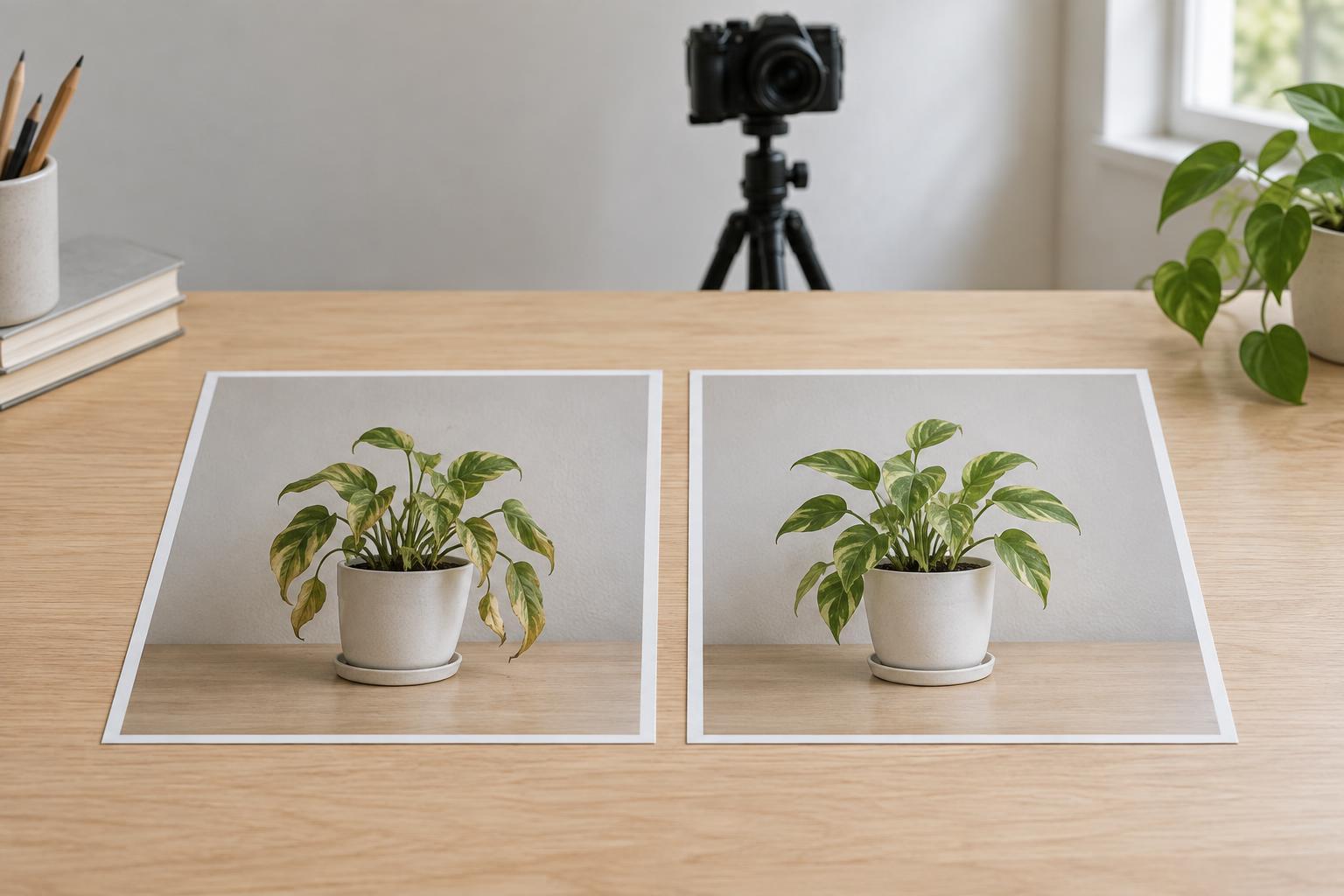
Decide what the comparison should show
A before-and-after visual works best when it answers a specific question. Did a room become easier to use? Did a draft become easier to read? Did a community project move from planning to completion? Choose one change that viewers should notice, then select images that actually show it. If the difference is hard to spot without a long explanation, a close-up, diagram or short sequence may serve the idea better than a side-by-side pair.
Write a plain-language takeaway before arranging the images. For example: “Moving the labels closer to the chart made the categories easier to match.” This gives you a test for every visual choice. If a crop removes the labels you are discussing, or a decorative overlay hides the change, the comparison is not yet doing its job.
Be careful with broad claims. A photograph may show that something looks different, but it cannot always show that the result works better or will last. Keep the caption tied to what viewers can see, and add context when the visible change is only one part of the story.
Keep the conditions comparable
Try to match camera position, distance, angle and orientation between the two images. If the “before” view shows an entire workspace while the “after” view shows only its tidiest corner, viewers cannot judge what changed across the space. A simple guide helps: place the main subject in roughly the same part of each frame and retain enough surrounding detail for people to recognize it.
Lighting and editing matter too. A brighter after image can make a change seem more dramatic even when brightness is unrelated to the work. Aim for similar exposure and color treatment, and avoid applying a flattering filter to only one side. Exact matches are not always possible, especially when documenting a long project. In that case, acknowledge a meaningful difference in conditions rather than presenting the pair as perfectly controlled.
Sometimes the most honest images are not the most symmetrical. A new layout might require a wider view to show how people move through it. Use that wider view, but explain why the framing changed. The goal is not visual uniformity at any cost; it is giving viewers a fair basis for comparison.
Label the change without telling viewers what to think
Put “Before” and “After” close to their respective images, and keep the order consistent with the direction people will read the post. If a sequence includes an intermediate stage, label that stage as well. A small caption can identify what changed: “Original menu” and “Revised menu with grouped options” are more informative than “Bad” and “Good.”
Use arrows, outlines or highlights sparingly. They can direct attention to a changed detail, but too many marks compete with the images. If you add a highlight, apply it consistently so it does not make one side look artificially stronger. Check the comparison at a small viewing size: can someone distinguish the key difference without zooming in or relying on tiny text?
The written description can carry details the images cannot. Briefly explain what was changed, what stayed the same and any limitation that affects interpretation. This is particularly useful when a result depends on a process, such as reorganizing information or revising a design, rather than a single visible adjustment.
Choose a format that gives the change enough room
A side-by-side image is useful when both views remain legible at the size people will encounter them. If the subject has fine details, place the images on separate slides and use the same crop where possible. For a change that unfolds in stages, a short sequence can show the decisions between the starting point and the result. Avoid making the final frame the only clear one; viewers need to understand the starting point too.
Before publishing, ask someone unfamiliar with the project what they think changed. If their answer differs from your intended takeaway, revisit the image choice or caption. Also check that any text in the graphic is readable and that the accompanying description identifies the important visual difference for people who cannot see the images.
A strong before-and-after post does more than invite a quick reaction. It helps viewers understand the decision behind a change and judge its result for themselves. Comparable views, restrained labels and an honest explanation turn a visual contrast into a useful story.