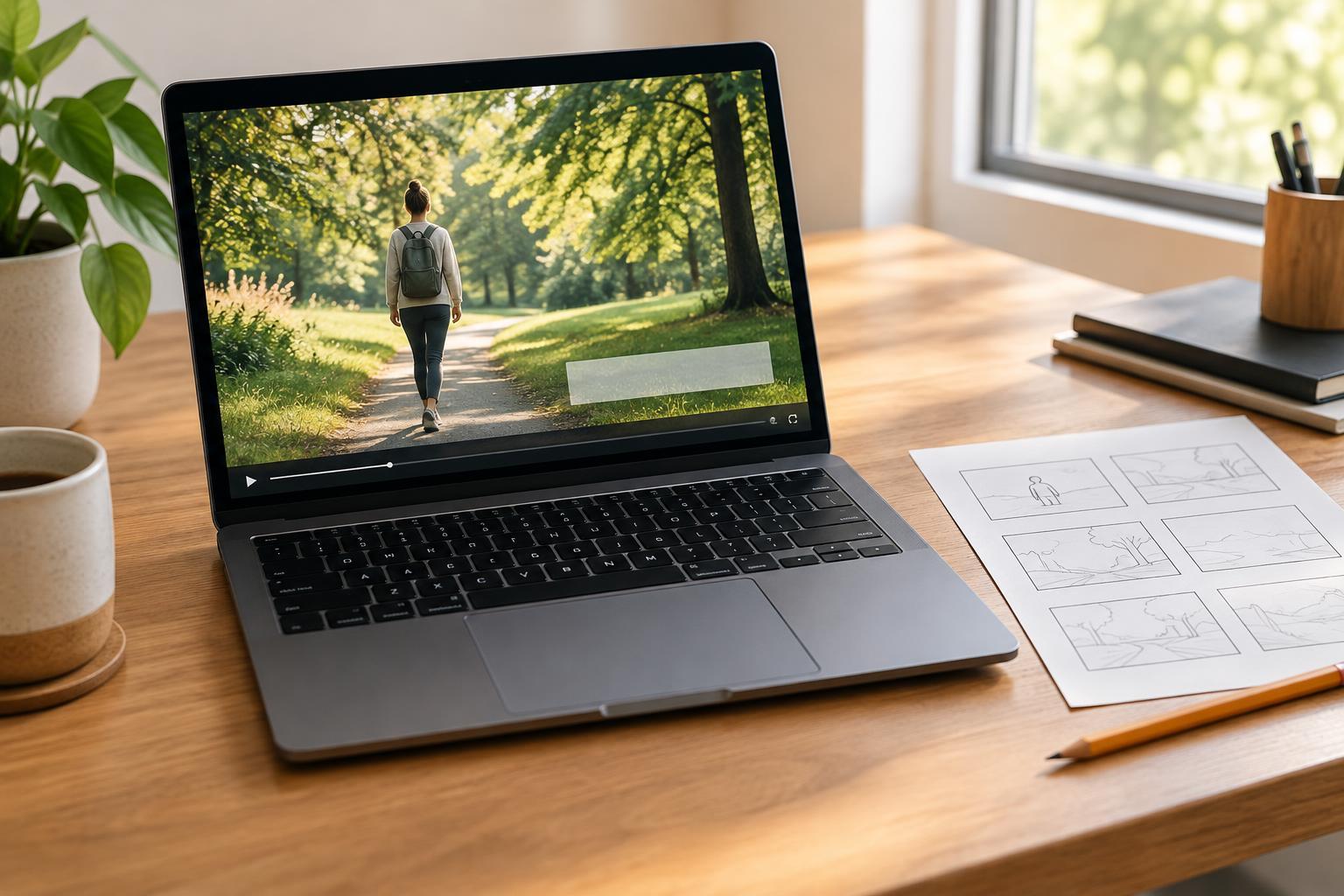
Give every line a job
On-screen text works best when it helps viewers understand something they might otherwise miss. It can name a topic, identify a step, clarify a visual detail, or reinforce a key takeaway. Before adding a line, ask what it contributes. If the image and narration already make the point clearly, repeating the same sentence on screen may add clutter rather than clarity.
Start by writing the main idea of the video in one sentence. Then choose the few moments where text would make that idea easier to follow. A cooking demonstration, for example, might benefit from ingredient names and brief step labels, while a close-up of a technique may need no text at all. Leaving some shots free of words gives viewers room to look at what is happening.
Build a simple visual hierarchy
When several kinds of information appear in one video, make their roles distinct. A short opening title might introduce the subject; smaller labels might identify objects or steps; a final line might summarize the takeaway. Keep the treatment of each role consistent so viewers can recognize it without relearning the design every time.
Limit the number of competing elements in a frame. A title, a subtitle, a decorative phrase, and an animated label can all demand attention at once. Decide which message matters most, and let the others wait or disappear. Short phrases are usually easier to scan than full sentences, especially while the image is moving. If a point needs more explanation, consider using narration, a dedicated shot, or a separate text screen instead of shrinking the type to fit.
Make text readable in the actual footage
A text style that looks clear on a blank canvas may disappear over detailed footage. Check contrast against the brightest, darkest, and busiest moments behind each line. A restrained background panel, subtle shadow, or repositioned label can help, but the aim is to support the image rather than cover it. Choose a legible typeface and use emphasis sparingly; changing fonts, colors, and effects for every phrase makes the screen harder to interpret.
Placement matters as much as styling. Keep text away from faces, hands, demonstrations, and other details viewers need to see. Leave space around the edges, where platform controls or different screen crops may obscure it. If the subject moves through the frame, review the entire shot rather than checking only the moment when the text first appears. A label that starts in a quiet corner can end up sitting over the action.
Match the pace of the words to the pace of the video
Viewers need time to notice, read, and return their attention to the image. A phrase that feels brief in an editing timeline may be difficult to catch during playback. Play the video at normal speed and try reading each line without pausing. If you cannot finish comfortably, shorten the wording, leave it up longer, or divide the idea across moments that naturally belong together.
Use motion with a purpose. A gentle entrance can draw attention to a new point, while constant movement may compete with the footage. Avoid introducing a new line at the exact moment an important visual action begins unless the text helps explain that action. When narration and text appear together, consider whether viewers can reasonably follow both. A concise label may be more helpful than a word-for-word transcription placed over a busy scene.
Review for clarity and accessibility
Watch the finished video on a phone as well as in the editor. Check whether the text remains readable at a small size, stays clear of interface areas, and appears long enough to understand. Watch once without sound to see whether essential information is still available. Then watch with sound to make sure the words, speech, and visuals work together rather than repeating or contradicting one another.
On-screen text and captions serve related but different purposes. Brief designed text can guide attention, while captions can make spoken content accessible to people who cannot hear it or have sound turned off. If the video includes important speech, do not assume a few highlighted phrases replace captions. The final goal is not to put as many words as possible into the frame. It is to help viewers grasp the message while still letting the visuals tell their part of the story.