Know what you would need to rebuild a project
A finished post is only one part of a creator’s work. If a device fails or an account becomes inaccessible, you may also need the original draft, unedited photos, video footage, design files, captions, and publishing notes. Start by listing the materials that would be difficult or time-consuming to recreate. Include reusable templates, brand elements, permission records, and any notes that explain how a project fits into your editorial plan.
Then find out where those materials live. A draft may be in a publishing platform, while its images are on a laptop and its feedback is in a shared document. Make a short inventory of these locations and note who can access each one. This turns “back up my work” into a manageable set of tasks rather than an effort to copy everything you have ever made.
Keep copies in more than one place
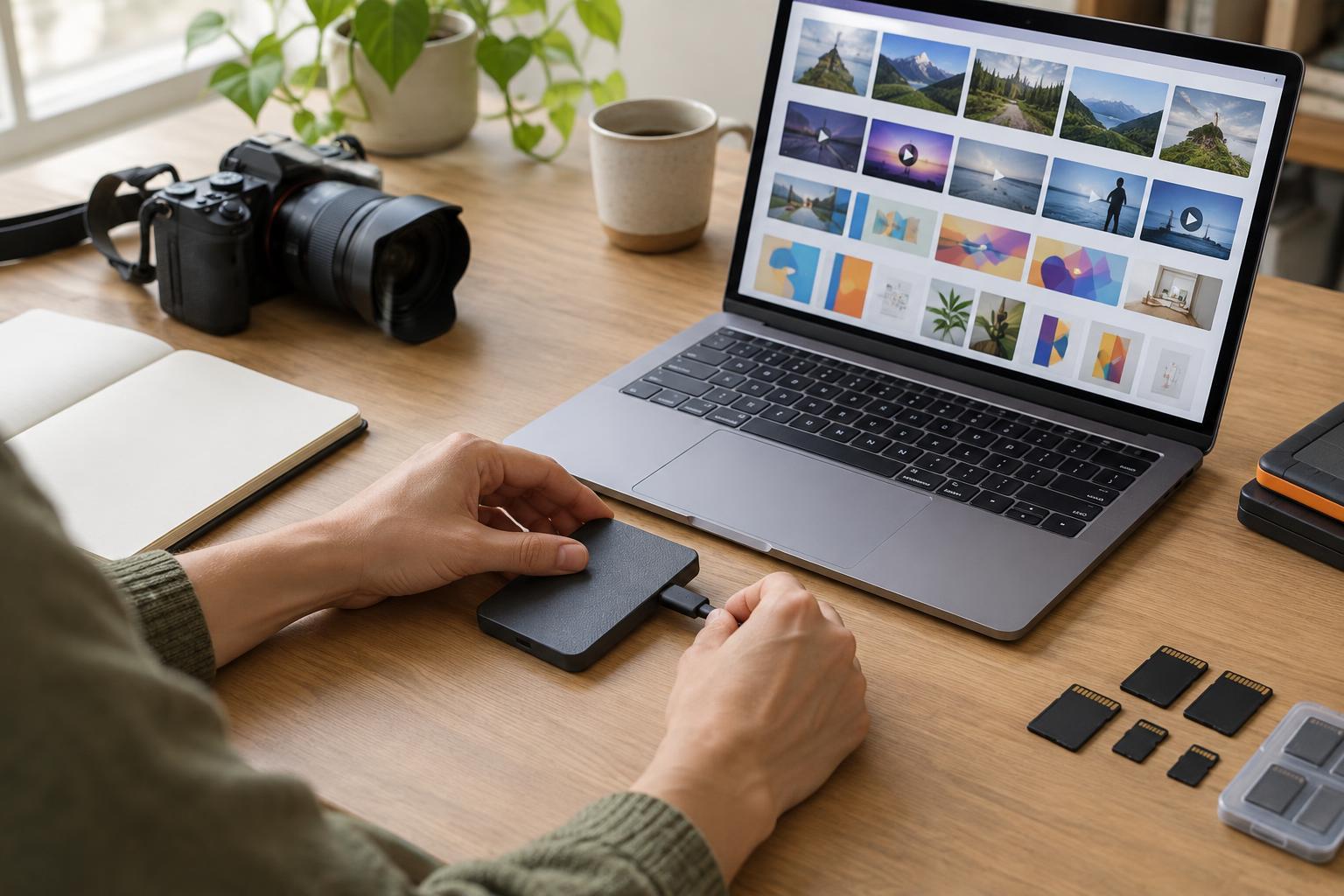
Choose a primary place to work, then keep separate copies of important files. For example, a creator might work from a computer, keep a copy in cloud storage, and periodically copy completed projects to an external drive stored safely elsewhere. The exact tools matter less than avoiding a single point of failure. If every copy depends on the same device or account, one problem could affect them all.
Be careful not to mistake syncing for a complete backup. Syncing is useful for making the latest file available across devices, but it may also carry an accidental deletion or unwanted edit to those devices. Check whether your storage service offers file history or deleted-file recovery, and learn how long those options remain available. A separate, dated copy of a project can give you another way back if the current version is damaged.
Use the security features available for each storage location. Strong, unique passwords and multifactor authentication can help protect online accounts. If a drive contains private audience information, unpublished campaign details, or other sensitive material, consider encryption and limit who can use it.
Make files easy to identify and restore
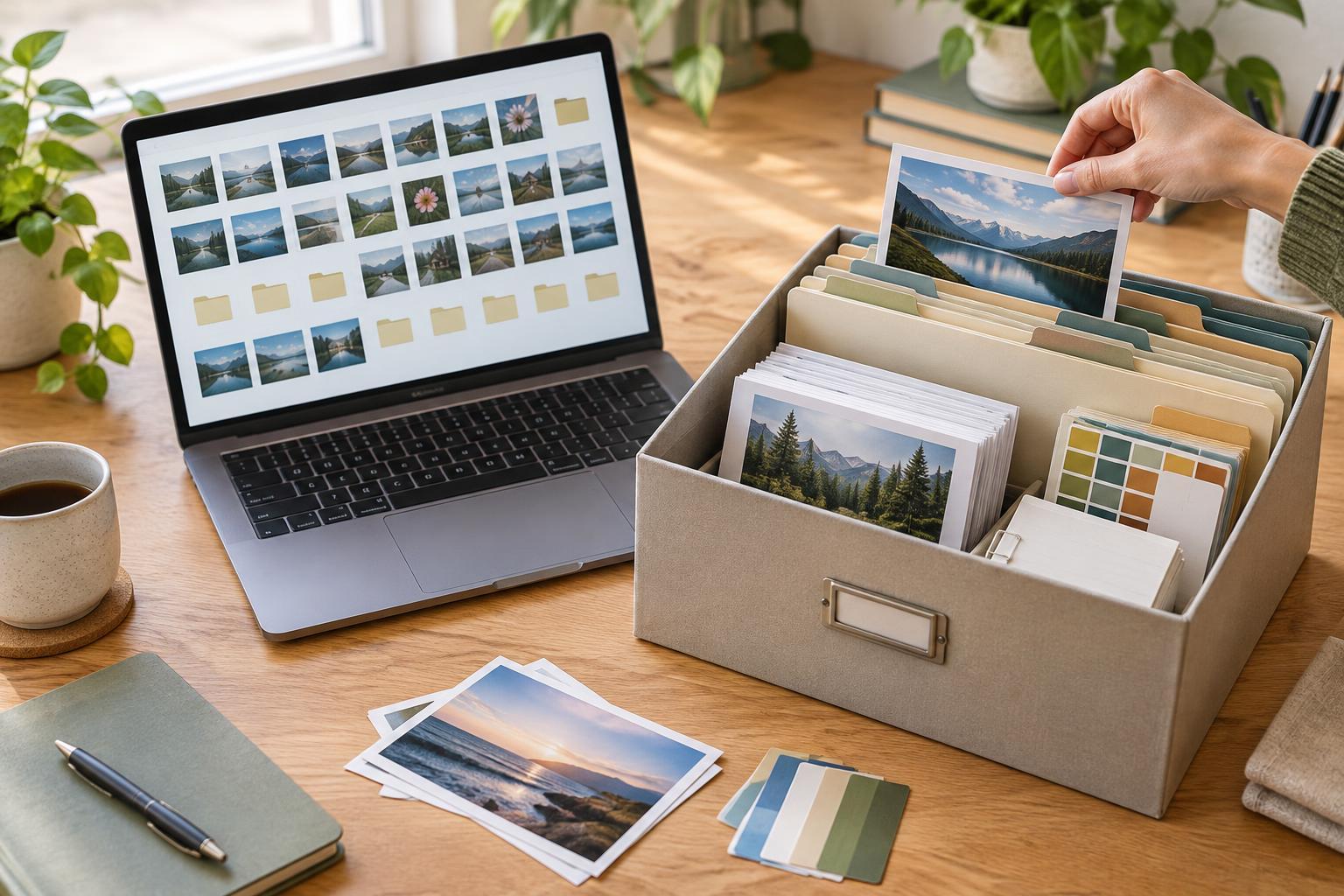
A backup is more useful when you can tell what is in it. Give each project a consistent folder structure, such as drafts, source assets, working files, exports, and approvals. Use descriptive names that include the project and version where needed: a name like “community-welcome-carousel-v02” is easier to recognize than “final-new-2.” Keep original assets separate from edited versions so a later change does not overwrite your starting point.
Save the context that lives outside the file, too. A short text note can record the intended channel, caption status, image credits, accessibility notes, and what remains to be approved. If a tool allows exports, check what an export actually includes; a downloaded image may not preserve editable layers or comments. For collaborative projects, agree on which folder holds the authoritative version so teammates do not unknowingly work from different copies.
Build the backup into your normal workflow
Set a rhythm that matches how often your work changes. Someone editing footage daily may need copies more often than someone updating a monthly planning document. A useful habit is to save working files at the end of a session, make a separate copy at major milestones, and archive a complete project after publication. Automate routine copying where you can, but leave time to confirm that it is running.
If several people contribute, assign responsibility rather than assuming someone else has saved everything. Decide who exports platform drafts, who stores source files, and what happens when a collaborator leaves a project. Before closing a campaign, gather the assets and notes into a shared location that the team will still be able to access. Keep only what you have a reason to retain, especially when files contain private information.
Test a restore before you need one
A folder full of files is not proof that you can resume work from it. Periodically choose a draft and an asset, retrieve them from a backup, and open them with the tools you expect to use. Check that the files are complete, readable, and recent enough to be helpful. For editable designs or videos, confirm that linked media and other necessary components are present.
Write down the basic recovery steps: where copies are stored, how to access them, and whom to contact if an account is locked. Store those instructions somewhere you can reach without the device you normally work on, while keeping credentials in a secure password manager rather than in the document itself. A small restore test may reveal a missing file or access problem while you still have time to fix it.