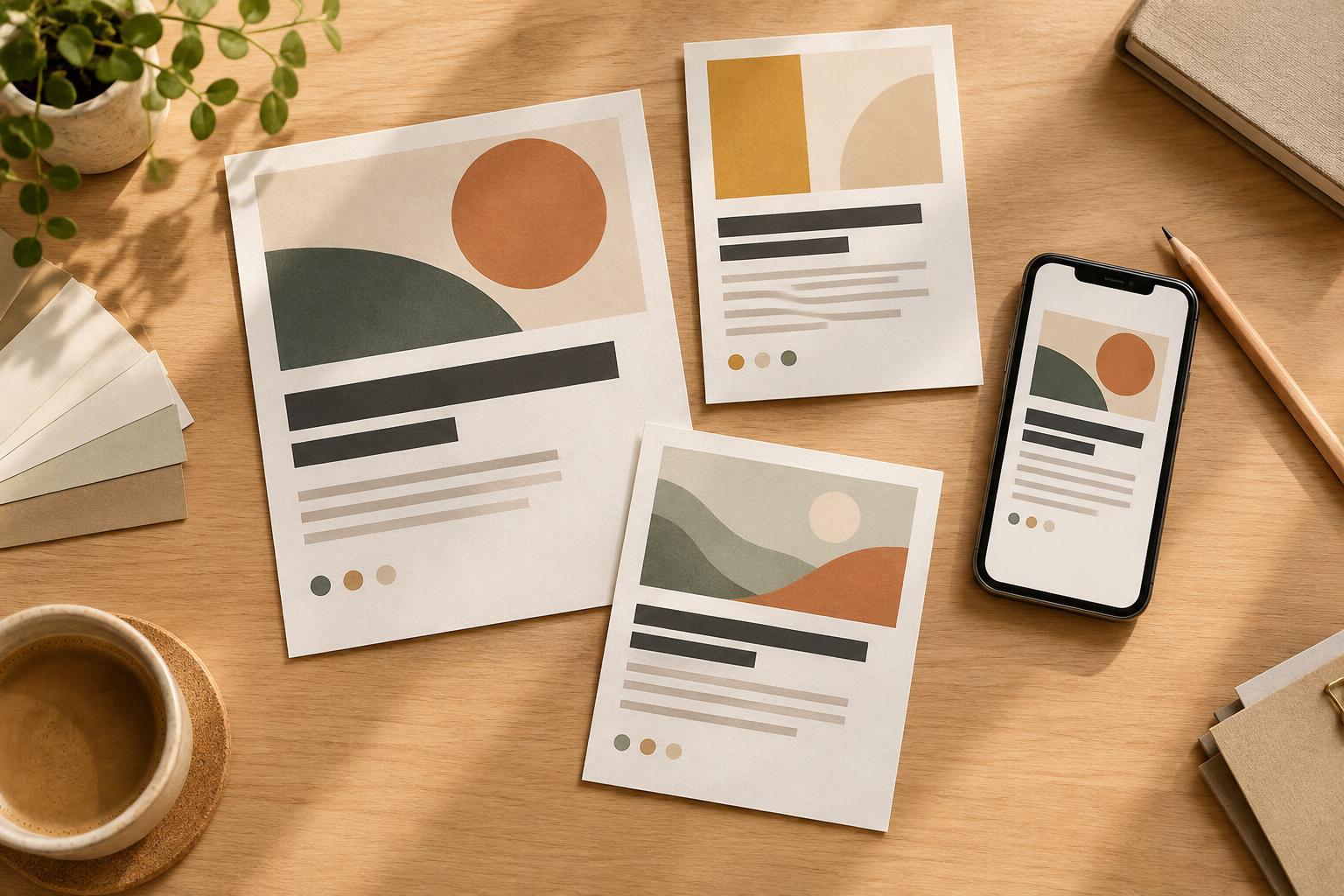
Start with the text’s job
An image with text has two jobs: attract attention and communicate a message. Before adjusting colors or type, identify the words someone must be able to read. A headline, event detail, or call to action needs more dependable legibility than a decorative word that adds atmosphere. If the message is essential, do not rely on the image alone to deliver it; include the key information in the accompanying post text or another accessible format.
Read the image at its intended viewing size, not only while zoomed in on a design canvas. A phrase that looks generous on a desktop monitor may be tiny in a mobile feed. Check whether the words can be understood quickly, in order, without squinting or guessing at individual letters. This first pass helps you distinguish a contrast problem from a broader layout problem, such as too much copy or type that is simply too small.
Check the background behind every word
A photograph rarely has one consistent background color. White text may stand out against a dark corner but fade over a bright face, window, or patch of sky. Examine the full area behind each line, including the edges of letters. Look for changes in brightness, busy textures, and strong shapes that compete with the text. If a word crosses several different tones, judge it by the hardest part to read rather than the clearest part.
Contrast-checking tools can help when text sits on a solid color or a uniform overlay. Sample the actual text color and the background color where the text will appear, then use the tool’s result as a guide. On a varied photograph, a single sampled point cannot represent every pixel beneath the words. Pair any tool result with a visual review of the complete image, particularly the lightest and darkest areas behind the type.
Make contrast more reliable
The simplest fix is often to move the text. Look for a calm, relatively even area of the image with enough room around the words. If the photo has no suitable space, adjust the composition or choose a different crop. Adding more words to a crowded image usually makes the problem harder to solve.
When placement alone is not enough, put a consistent surface between the image and the text. A solid panel, a restrained gradient, or a sufficiently strong translucent overlay can reduce background variation. Test it over the brightest and busiest parts of the image, not just the easiest area. A faint shadow or thin outline might improve separation slightly, but it should not be the only thing making essential text readable. If the design needs heavy effects to rescue the words, a simpler background may work better.
Test legibility beyond color
Even high-contrast text can be difficult to read when its letters are too small, thin, tightly spaced, or set in an elaborate style. Use a typeface whose letterforms remain distinct at the final size. Give lines enough space to separate them, and keep important copy short enough to scan. Bold weight can help a small headline, but adding weight is not a substitute for adequate size and contrast.
Review the design in the contexts where it may appear: a full post, a reduced feed preview, and a cropped thumbnail if applicable. Shrink it on your screen and check it on a phone when possible. Ask someone unfamiliar with the design to read it without first telling them what it says. If they pause at a word or miss a detail, treat that as useful feedback rather than asking them to look more closely.
Build a repeatable final check
Before publishing, use a short checklist: Is every essential word readable over its entire background? Does the text remain clear at preview size? Could a crop cut off a line? Is the message also available outside the image? These questions catch common problems without turning every post into a lengthy redesign.
Save successful layouts as flexible templates, but recheck them whenever the photo, crop, or wording changes. An overlay that works on one image may fail on another, and a longer headline may force smaller type. Treat legibility as part of visual storytelling: when people can understand the message without effort, the image has more room to make an impression.