Start with the message, not the typeface
A social graphic often has only a moment to make its point. Before opening a font menu, write down what a viewer needs to understand first. For a workshop announcement, that might be the workshop topic; for a short tip, it might be the advice itself. Supporting details can follow, while a label, logo, or account name usually plays a quieter role.
Separate the copy into three levels: a primary message, supporting information, and optional context. If everything seems equally important, edit the words before adjusting the design. A shorter headline and one concise supporting line are generally easier to arrange than several competing statements. Typography can guide attention, but it cannot make an overcrowded message effortless to read.
Pair fonts by giving each one a job
A reliable starting point is one typeface family with multiple weights. Use a bold weight for the headline and a regular weight for supporting text. The shared letterforms give the graphic a consistent feel, while the weight difference creates hierarchy. This approach is especially useful when you are building a repeatable series of posts.
If you want two typefaces, choose them for distinct roles rather than for novelty. A characterful display face can bring personality to a short headline, while a straightforward face handles longer explanations. Test the pairing with your actual words: a font that looks appealing in a sample may become hard to read in a long title or at a small size.
Contrast should be noticeable but controlled. Two fonts with nearly identical shapes may look like an accidental mismatch; two highly decorative fonts may compete. Avoid using several typefaces, many weights, and multiple text effects to create emphasis all at once. A restrained pairing leaves more room for the message to stand out.
Set a reading order with size, position, and space
Reading order is the path you intend a viewer to follow. Make the first stop obvious through a combination of larger type, a prominent position, and enough empty space around it. Then place supporting text where the eye can move naturally next. In a simple graphic, the sequence might be headline, explanation, then a small source or account label.
Size alone does not establish hierarchy. A modest headline surrounded by space may draw more attention than a larger line squeezed between images and badges. Keep related lines close together, and give separate ideas more room between them. Alignment helps too: when text blocks share a consistent edge, viewers can scan without repeatedly searching for the next line.
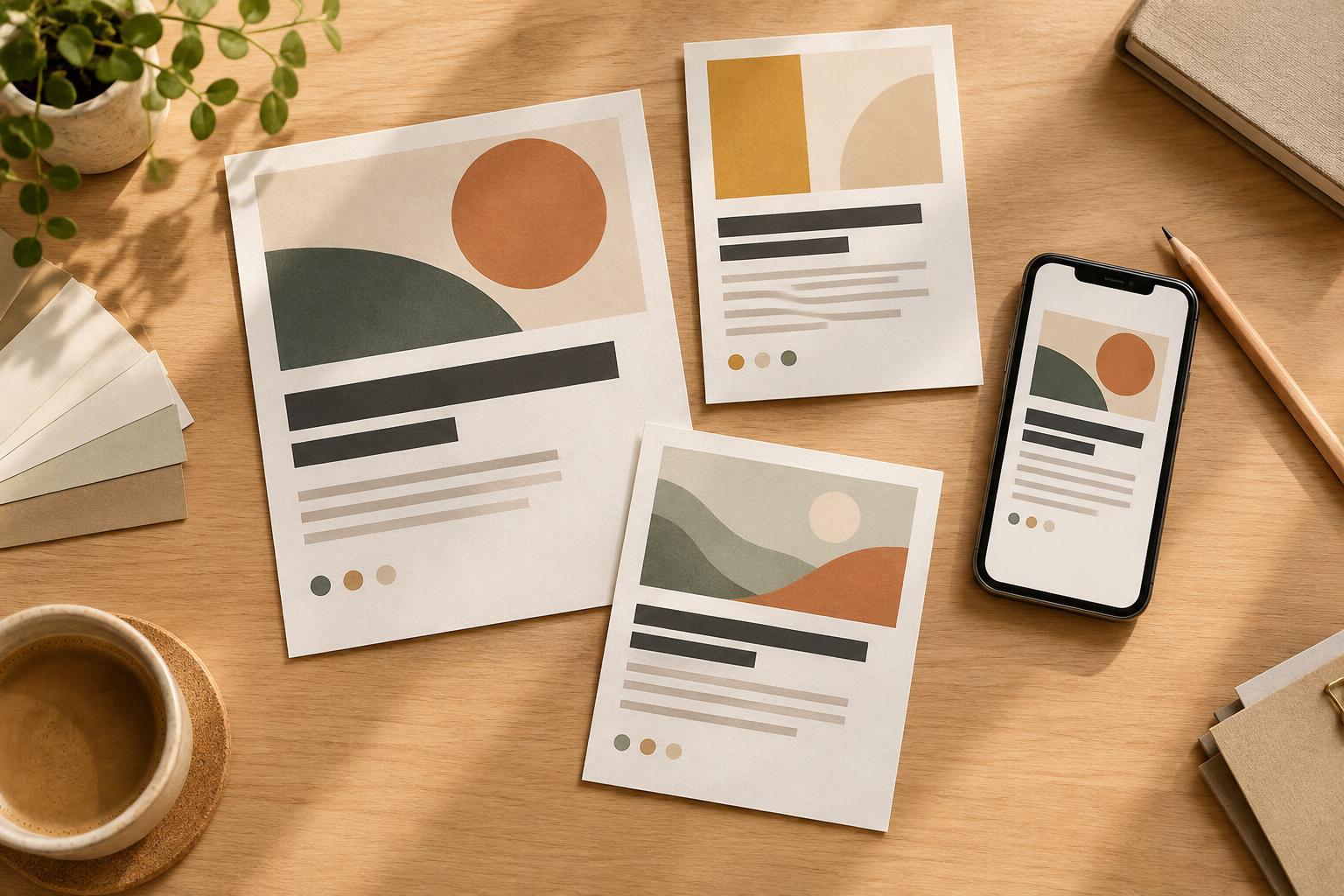
Look at the design without reading it. Squint, zoom out, or view it briefly on your phone. Which element attracts attention first? If a decorative word, icon, or background shape wins instead of the main message, reduce its prominence. This quick check can reveal a confusing reading order before you publish.
Design for legibility on a small screen
Social graphics are often viewed at a size much smaller than the design canvas. Check the finished graphic at roughly the size it will appear in a feed, not only while zoomed in. Supporting text that looks comfortable on a desktop may be too small on a phone. If it is difficult to read, try cutting words or dividing the message across a carousel rather than shrinking the type further.
Give text enough contrast against its background. A busy photograph may need a quieter area, a solid panel, or a subtle overlay behind the words. Use line breaks to make a headline easy to follow, but avoid breaking phrases in ways that change their meaning. Leave breathing room near the edges so text does not feel cramped or risk being obscured when a platform displays the image differently.
Type choices also affect accessibility. Clear letterforms, adequate spacing, and meaningful contrast help more people read the message. Do not rely on color alone to distinguish the headline from supporting details. If the graphic contains essential information, include that information in the accompanying post text as well.
Build a small system, then test it
You do not need a new font pairing for every post. Choose a headline style, a supporting-text style, and a consistent approach to labels. Save a few layouts for common needs, such as a quote, a practical tip, or an announcement. A small system makes it easier to produce graphics regularly while giving an audience familiar visual cues.
Before sharing, review each design with a simple question: can someone identify the main point, read the details, and understand what matters next? Check for awkward line breaks, inconsistent spacing, and text that becomes faint over an image. When something feels unclear, simplify the copy or strengthen the hierarchy before adding decoration. The best typography serves the idea and helps a reader move through it with little effort.