Start with one clear point of attention
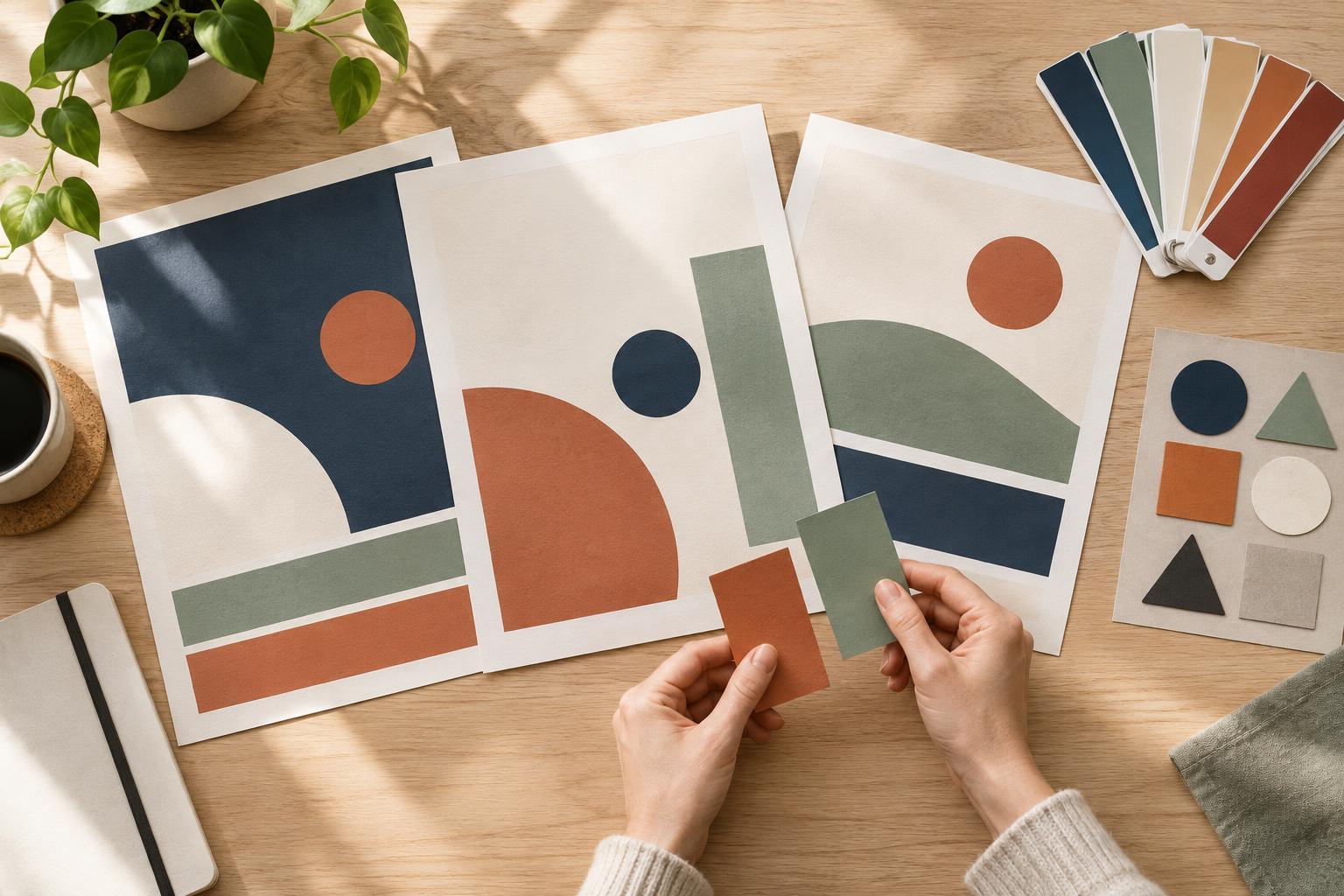
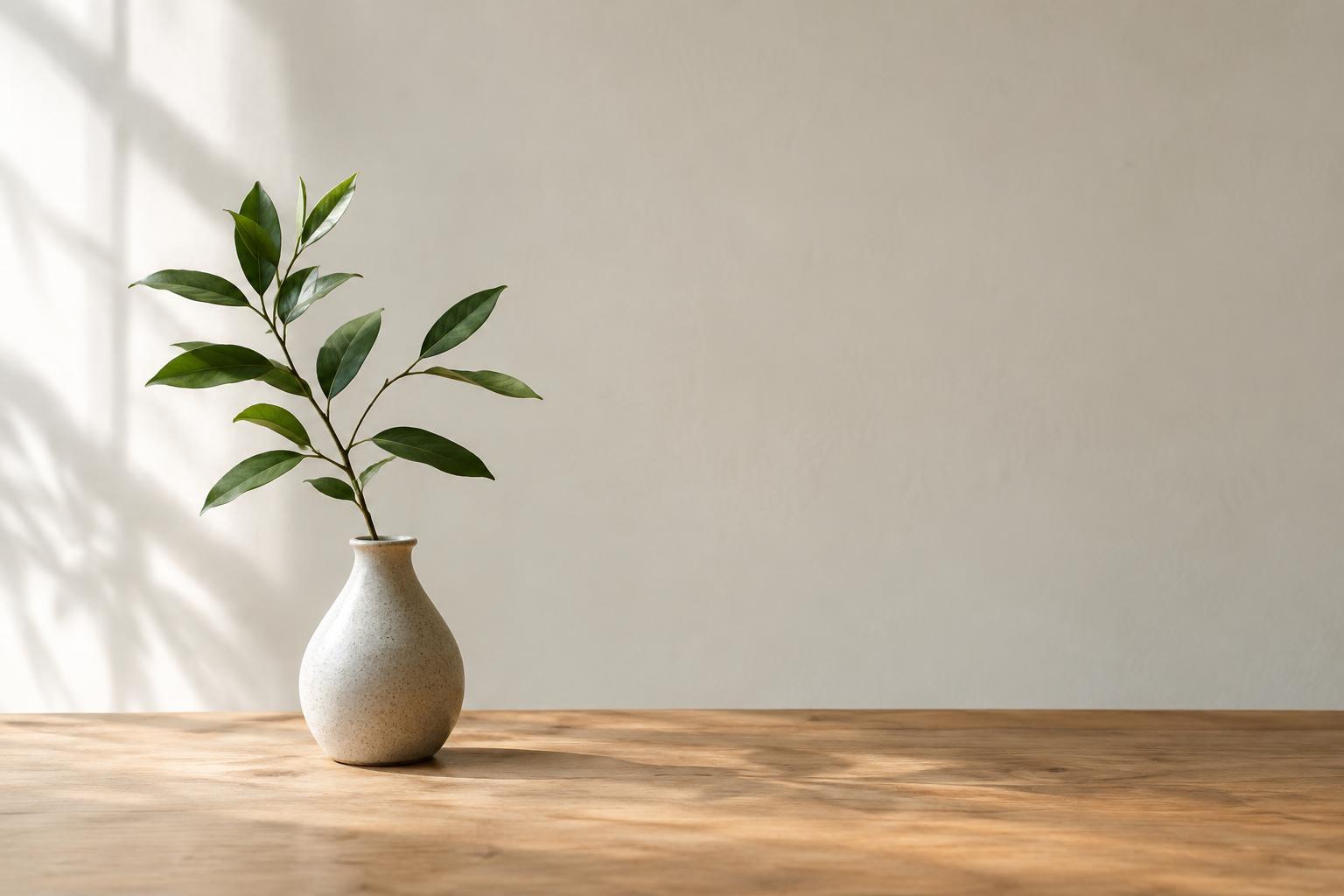
Composition is the arrangement of elements within an image. Negative space is the quieter area around them: a plain wall behind a person, an open patch of sky, or an uncluttered part of a graphic. It does not have to be white or empty. Its job is to give the main subject room to register. On a crowded feed, an image with a clear subject and some breathing room may be easier to understand than one in which every area competes for attention.
Before choosing a photo or building a graphic, finish this sentence: “The first thing I want someone to notice is…” That answer might be a product detail, a person’s expression, or a short headline. Make that element distinct through placement, scale, contrast, or color. Then look at everything else in the frame. If a prop, caption box, or background detail pulls attention away without adding meaning, move it, simplify it, or remove it.
Place the subject with a purpose
Centering a subject can feel steady and direct, especially for a portrait or an object that benefits from symmetry. An off-center subject can create a different effect: placing a person to one side leaves room for a headline or shows more of the setting. Neither choice is automatically better. The useful question is whether the placement helps the viewer understand the image’s message.
Try making two versions of the same image. In one, center the subject. In the other, shift it to one side and leave a larger quiet area opposite it. Compare them at the size they are likely to appear in a feed. Notice whether the eye reaches the intended subject first and whether the surrounding space feels intentional. If a person is looking or moving in one direction, leaving space in front of them can also make the frame feel more open.
Use negative space to support text
Social images often need to carry a headline, label, or brief call to action. Planning for that text while choosing the image is usually easier than trying to fit it into a finished composition. Look for an area with a reasonably consistent tone and few important details. A headline placed over a patterned shirt, a busy street, or someone’s face can be difficult to read and may hide the story the image was meant to tell.
Negative space does not solve readability on its own. Check that the text contrasts clearly with its background, uses a size that remains legible on a small screen, and has comfortable space around it. If the available area is too busy, consider a subtle solid panel or a different image rather than adding more effects. Keep words on the image brief; let the post caption carry details that do not need to be understood at a glance.
Compose for the crop, not just the original
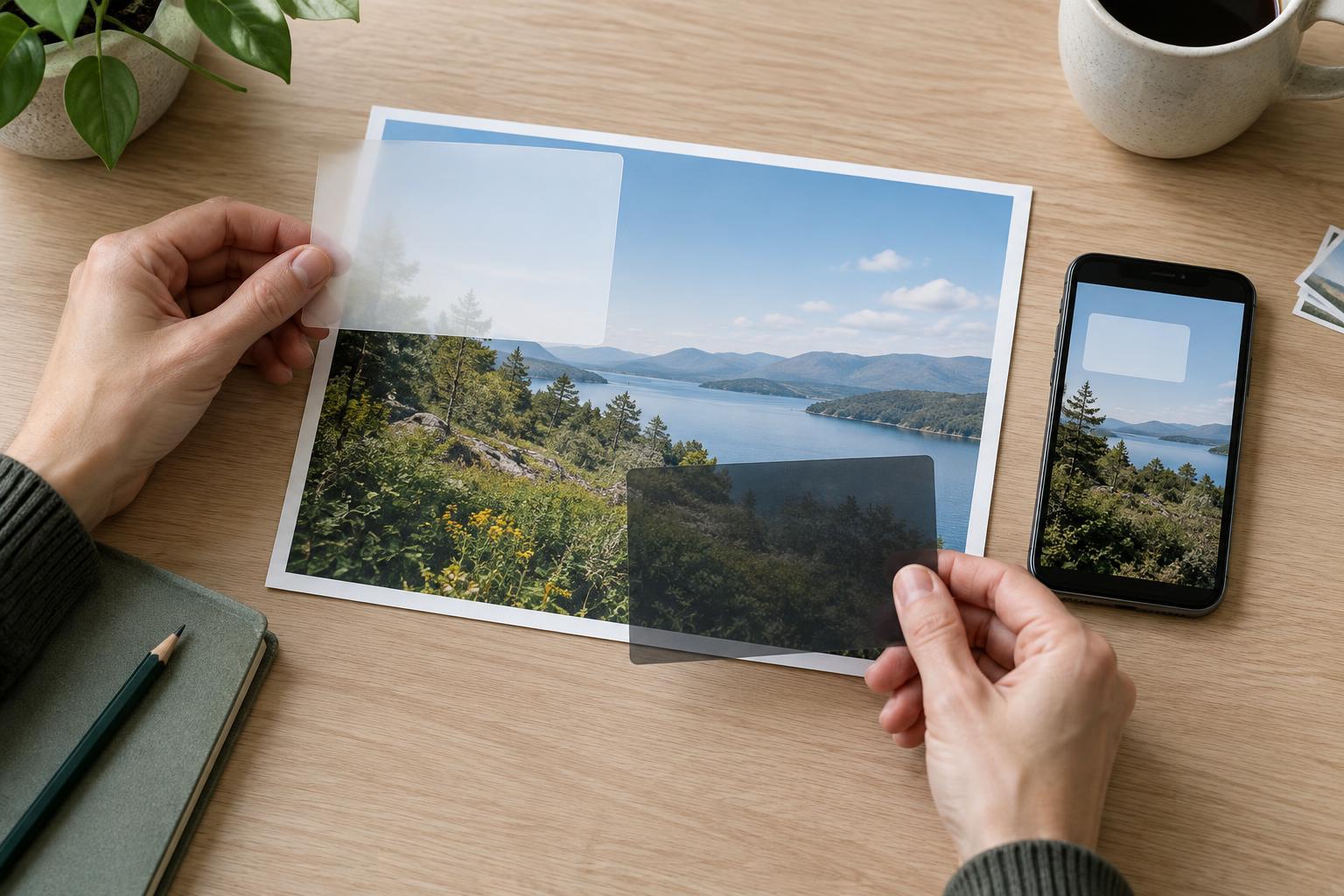
An image that works in a wide editing window may feel cramped when displayed in a square or vertical layout. Cropping can cut off a hand, press a headline against an edge, or remove the quiet area that gave the design its balance. When photographing or selecting images, leave a little extra space around the subject if you expect to use more than one shape.
Preview each planned version before publishing. Check the outer edges, the space around text, and the relationship between the subject and background. If a tighter crop weakens the image, make a separate layout rather than forcing one file to serve every placement. Keep important faces, objects, and words comfortably inside the visible frame so a minor change in display does not undermine the message.
Build a simple visual review habit
Before posting, look at the image without reading the caption. Can you tell what deserves attention? Does the empty area make the subject clearer, or does it make the frame feel unfinished? There is no fixed amount of negative space that every image needs. A close-up tutorial may need more visible detail than a calm announcement graphic. The right balance depends on the purpose of the post.
For a final check, view the image small, then at full size. At small size, judge the focal point and overall shape; at full size, catch distracting details and text that overlaps important parts of the image. Save layouts that work well as starting points, but adjust them for each story. A consistent approach can make a series feel connected without making every post look identical.