Start with one viewer takeaway
A short social video is easier to film when you can finish this sentence: “After watching, someone should understand how to…” or “Someone should feel ready to…” Write down one specific takeaway before planning shots. “Show how to care for a new houseplant” is more useful than “Make a video about plants.” It gives each image a job and helps you leave out details that belong in a longer piece.
Next, name the person you are speaking to and the question they might bring to the video. A beginner may need to see the amount of water in a cup; an experienced gardener may only need a quick comparison of dry and damp soil. You do not need a full audience profile. A sentence describing the viewer’s likely starting point is enough to guide what you show.
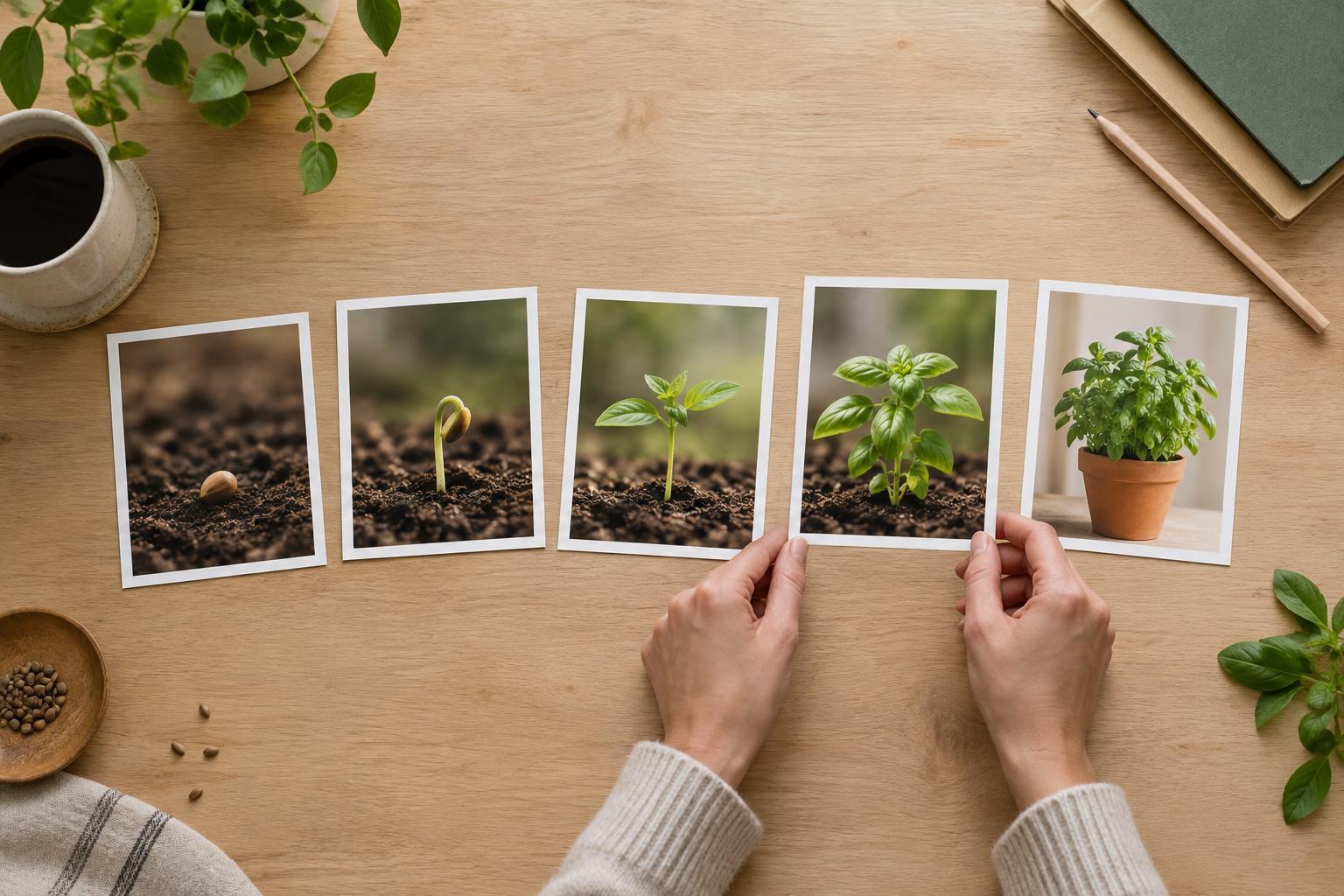
Choose a natural beginning, middle, and end. The beginning identifies the question or situation, the middle demonstrates the useful action, and the end shows the result or next step. This structure is a planning aid, not a rule: a quiet visual reveal might serve your idea better than a spoken introduction.
Build a storyboard you can actually use
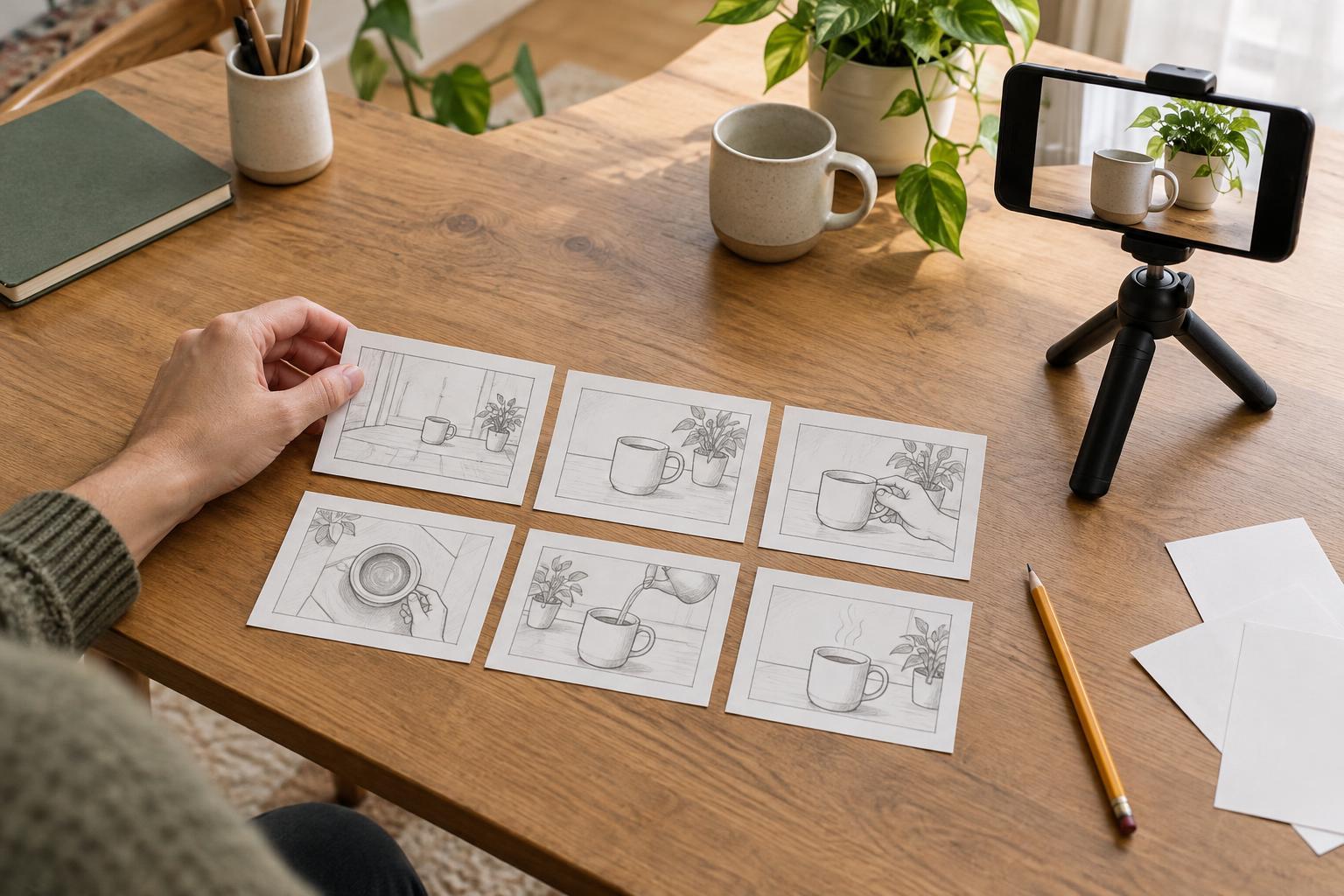
Divide a page into a few boxes, or make a simple table with columns for the visual, the audio or on-screen text, and filming notes. Each box represents a meaningful beat, not necessarily every camera cut. Stick figures, arrows, and rough labels are enough. The goal is to make decisions visible so you are not trying to solve the story while filming.
For each beat, ask what the viewer must see to understand it. If your video explains how to repot a plant, a wide shot can establish the workspace, while a close-up can show where the roots sit in the new pot. Note actions as plainly as possible: “hands loosen soil,” “pot turns to show drainage hole,” or “finished plant on shelf.” If a shot has no clear purpose, consider removing it.
Add practical notes beside the boxes: which props are needed, whether a shot requires another person, and what must happen in a particular order. Mark anything you can film after the main action, such as a close-up of the tools. A usable storyboard should reduce decisions on filming day without becoming so elaborate that updating it feels difficult.
Pair each image with the words and sounds it needs
Read through the boxes while saying any planned narration aloud. If you explain a step before the relevant object appears, move the line or change the shot. Words work best when they clarify what the image cannot: why a detail matters, what to watch for, or what choice the viewer needs to make. Avoid using narration merely to describe every visible movement.
Decide which moments need on-screen text, especially if a key instruction would be lost without sound. Keep that text brief enough to read while the action continues. You can place exact wording in the storyboard or jot down the point it must convey and refine it later. If your platform or format may cover part of the frame with interface elements, plan to keep important text and actions away from the edges.
Sound can carry a transition, but it need not fill every moment. Note where a spoken line, a natural sound, or a pause helps the viewer follow the sequence. Planning audio now also reveals filming needs: a noisy location may make clear spoken instruction difficult, while a close-up of a task might be easier to explain with narration recorded separately.
Check the plan against real filming conditions
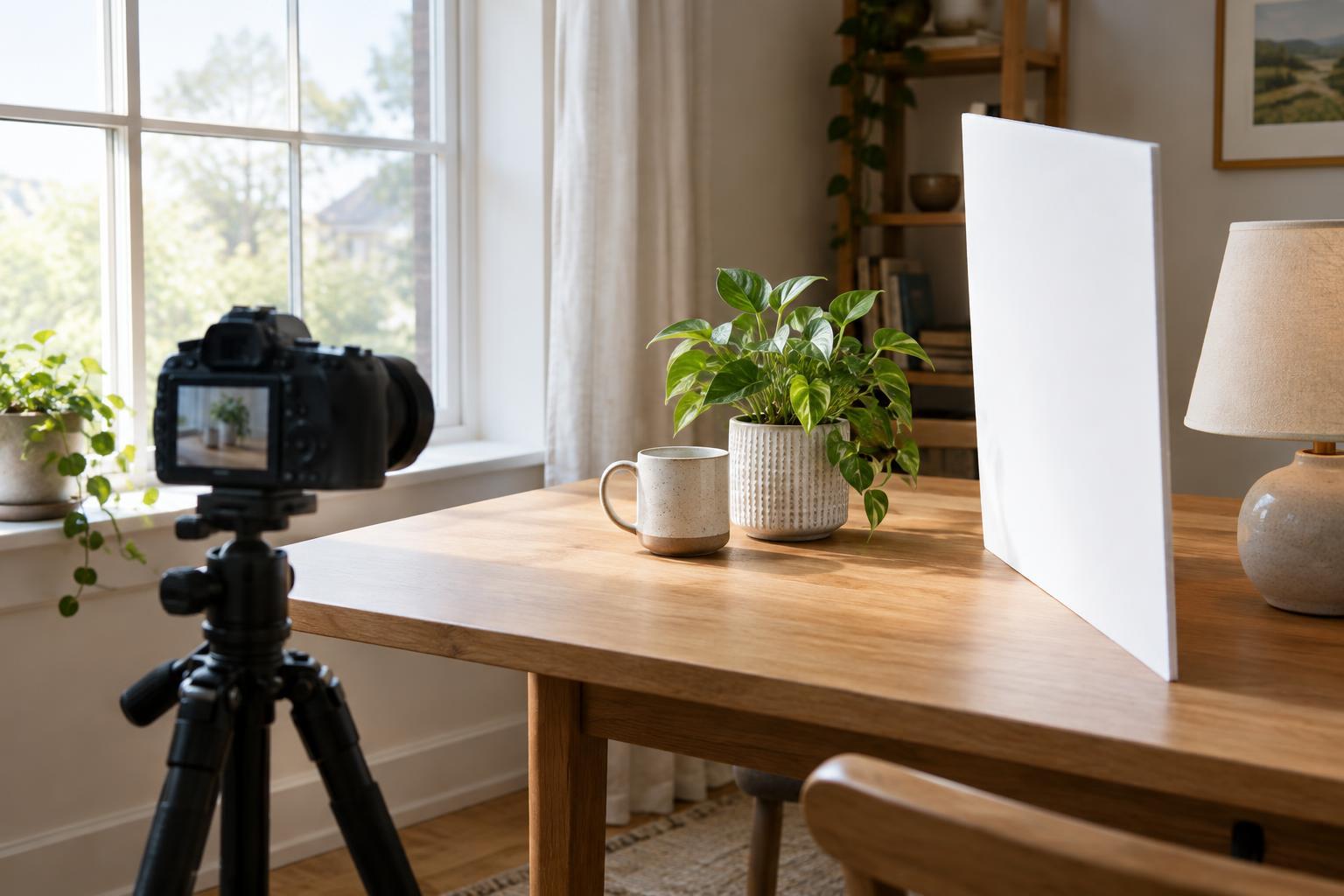
Before filming, walk through the storyboard using the space and objects available. Can the camera get close enough to show the important detail? Will hands block the action? Does a step change the scene in a way that prevents a second take? If so, capture the establishing shot and necessary close-ups before moving on, or plan a safe way to repeat the action.
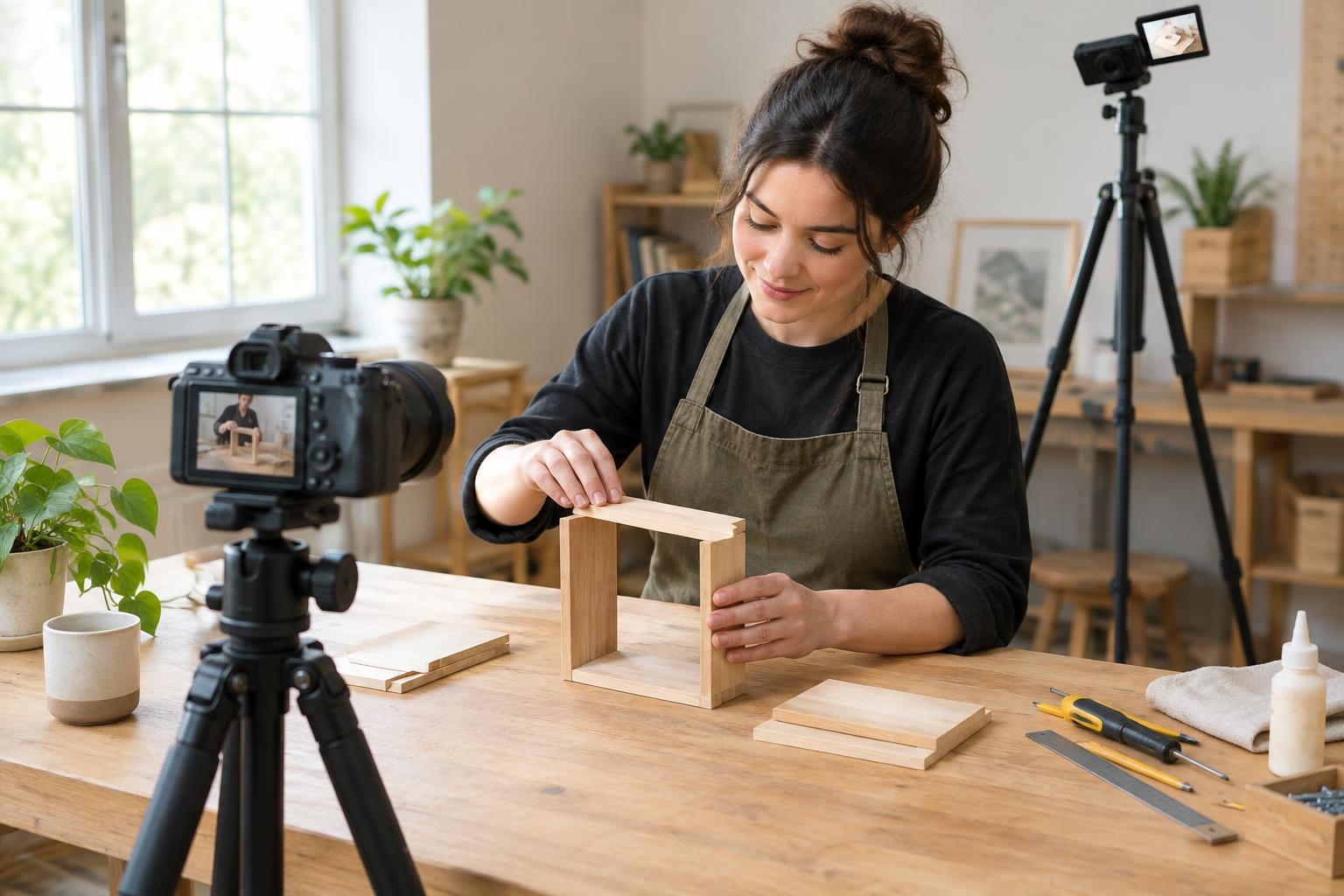
Consider a simple shot list based on location and setup rather than story order. You might film every overhead view while the camera is mounted, then move to eye-level shots. The storyboard preserves the viewing order; the shot list helps you work efficiently. Leave a little time for an extra view of a crucial step, particularly when it would be hard to recreate later.
A storyboard should also reveal what you do not have. If the plan depends on a second camera, special lighting, or a prop that is unavailable, simplify the idea before filming. A clear single-angle demonstration is usually more useful than a complicated sequence with missing evidence.
Use the storyboard as a guide, not a cage
After a first pass, review your plan from the viewer’s perspective. Can someone understand what is happening without background knowledge? Is there a visual change between the opening and the ending? Does each beat help deliver the promised takeaway? Remove repetition, but keep enough context that quick cuts do not turn a useful demonstration into a puzzle.
During filming, unexpected details may improve the story: a clearer hand position, a helpful comparison, or a natural reaction. Capture them when they support the main idea. Mark any changes on the storyboard so you know what you have and what remains to film.
Finally, keep the page nearby when editing. It can help you identify missing shots, choose where text belongs, and protect the video’s central point when trimming. The best storyboard is not a perfect drawing of the finished video. It is a small, flexible plan that makes the finished video easier to understand.